
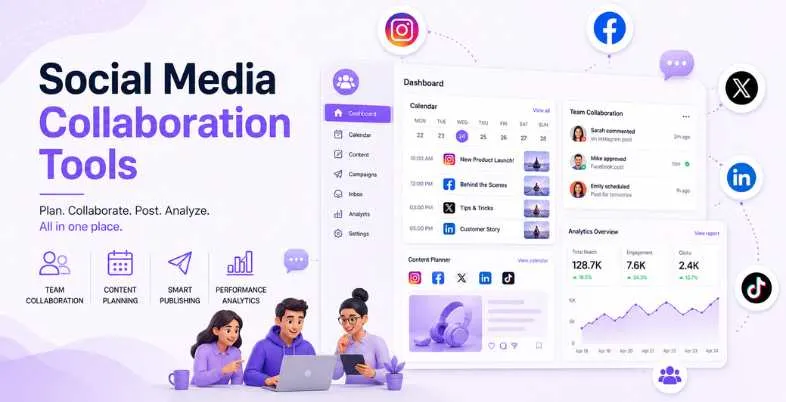
Social media marketing for a brand or client is no longer a solely individual responsibility. From writing a blog post to gathering feedback, securing approvals, scheduling posts and monitoring performance, this is all done at once, across multiple platforms, whether you’re running your own marketing team or working for multiple clients at an agency. If you have all this communicated in the random emails, shared Google Docs, Slack messages, and spreadsheets, then stuff happens. Anything posted is up without being reviewed. Brand tone of voice gets all over the place. Deadlines get missed.
That’s where the suitable social media collaboration tool can make a differentiator. Your team works from a single platform, with all content from birth to publication coming together.You can go from one app to five others to approve a single Instagram caption, but your team can do it from one place instead. We’ve narrowed down the top 12 social media collaboration tools to examine, and compared them to help you make a well-informed decision that you can feel good about making for your team or agency.
Also Read – Best Instagram Analytics Apps
What Are Social Media Collaboration Tools?
Social media collaboration tools are platforms designed to enable teams and agencies to work as a cohesive unit to plan, create, review, approve and publish a piece of content within a single place. Collaboration platforms are created with team workflows at heart, as opposed to easy scheduling tools that enable you to line up posts and get on with things. They have a variety of features, such as role-based permissions, multi-step approval workflows, shared content calendars, real-time commenting, and asset management, ensuring content flows seamlessly between ideation and publication, without confusion about who’s doing what.
The essence of these tools is to minimize, or “coordination debt,” as it’s often called, the invisible burdens your team incurs whenever someone has to ask, “Which version of this caption is the right one?,” or waits for a client to respond to an email series before a post can be scheduled. Common issues seen throughout the agency and in-house world and addressed by social media collaboration platforms include faster approvals, consistency across social media channels, and reliable scheduling. The ideal social media collaboration, when it’s done correctly, takes place on a single platform and conservatively saves teams a ton of time in coordinating, and a lot of time spent creating quality content.
Why Teams Need Dedicated Collaboration Platforms (Not Just Schedulers)
- There is a distinction between the two, though, with the timing responsibility left to the schedulers and the entire content lifecycle (from idea to publish) left to the collaboration platforms.
- A lack of clarity around versions, feedback and sign off can be created with email and Slack approvals.
- Copy gets edited in Google Docs, assets get uploaded to Drive, and requests for approvals are made in Slack – you’re killing momentum with fragmented workflow.
- Single-source systems are in place to ensure that everyone has the same version of the content; no more “which version?Single-source systems ensure that everyone has the same version of the content; no more “which version?
- Role-based permissions ensure that no content is published without the appropriate permissions and that accounts are secure.
- Structured approval flows have a positive impact on the time spent waiting for content to be approved.
- Multiple stakeholders, such as writers, designers, managers, and clients can collaborate on the material using collaboration tools.Collaboration tools facilitate more than one person to work together on the material, such as the writers, designers, managers, and clients.
- Built-in asset libraries guarantee uniformity of brand without having to trawl through shared folders.
- Audit trails and content history allow you to be accountable and have version control.
Key Collaboration Features
- Approval workflows with multiple levels and custom stages and notification.
- Assisted with the development of a shared visual content calendar, which is visible to others.Created a shared, visible content calendar for social media.
- Role-based level of user access to the site (Admin/Editor/Reviewer/Client)
- Comments and real time feedback on each post (inline)
- Identify students who are assigned to various tasks within a team and will own the content.
- All content library/asset management and media management.All content library/asset management and media management.
- The ability to access the workspace from the client or external reviewer.
- Canva integration with other design tools, such as Google Drive and Dropbox
- Access to content and approvals on-the-go via mobile device.
- Outline and summarize content with AI.Generate captions and summaries from content with AI.
Who Needs Social Media Collaboration Tools?
- Digital marketing agencies with a diverse client base. Agencies handling multiple client’s content.
- Companies with over two people in their in-house marketing teams who work with social channels.
- Brands that must be reviewed by a legal expert or for compliance reasons before they can be published.
- Content creators who are tasked to work with managers, brand strategists or editors.
- Teams working remotely or across time zones. Teams working in a remote / distributed fashion across time zones.
- New businesses expanding their social media footprint and hires. Onboarding people to their social media teams and growing their presence.
- Individuals who work for multiple companies on social media – at the same time
- A multitude of e-commerce brands are linking product launch content across channels. Many eCommerce brands are aligning their product launch content across channels.
- The nature of the nonprofit also dictates whether it is necessary to coordinate and collaborate among several departments in order to ensure content is produced.
- PR teams that are using consistent and approved messaging service to engage in brand management. PR teams that are consistently using approved messaging in brand management.
Top 12 Social Media Collaboration Tools: Full Comparison
| Tool | Best For | Approval Workflow | Team Roles | AI Features | Integrations | Free Plan | Starting Price |
| Planable | Agencies and multi-brand teams | Multi-level, visual | Yes | AI captions, suggestions | Canva, Google Drive, Slack | Yes (50 posts) | $33/workspace/month |
| Hootsuite | Enterprise teams | Advanced (paid plan) | Yes | AI writer, hashtag suggestions | 150+ apps | No | $199/user/month |
| Sprout Social | Data-driven teams | Built-in approval | Yes | AI insights, sentiment analysis | CRM, helpdesk tools | No | $249/seat/month |
| Buffer | Small teams and creators | Basic approval | Yes | AI assistant | Canva, Shopify | Yes (3 channels) | $6/channel/month |
| Loomly | Campaign-driven teams | Multi-level | Yes | Post ideas, AI suggestions | Slack, Teams, Zapier | No | $32/month |
| Agorapulse | SMBs and agencies | Yes (Professional+) | Yes | AI captions | CRM, Google Analytics | Yes (limited) | $79/user/month |
| Sendible | Client-heavy agencies | Yes | Yes | AI caption generation | White-label, CRM | No | $29/month |
| SocialPilot | Budget-friendly agencies | Yes | Yes | AI writer | Canva, Zapier | No (14-day trial) | $30/month |
| Kontentino | Approval-first teams | Detailed, client-facing | Yes | Post previews | Slack, Teams | No | Custom |
| Zoho Social | Zoho ecosystem users | Yes | Yes | AI content tools | Zoho CRM, HubSpot | Yes (1 brand) | $15/month |
| CoSchedule | Content marketing teams | Yes | Yes | AI headline analyzer | WordPress, HubSpot | Yes (limited) | $29/user/month |
| Later | Visual brands and creators | Basic | Yes | AI captions, hashtags | Instagram, TikTok, Shopify | No (14-day trial) | $25/month |
Top 12 Social Media Collaboration Tools 2026
1. Planable
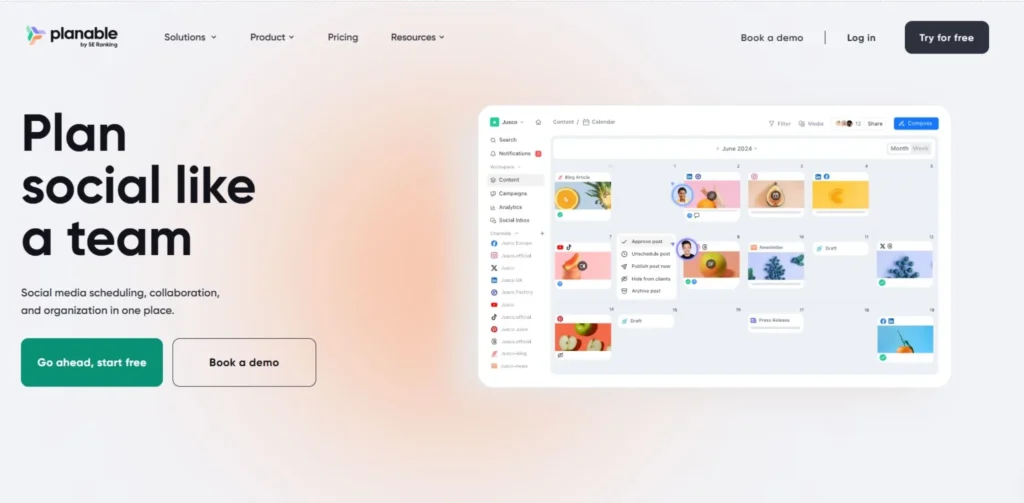
Planable is considered as one of the best social media collaboration tools that are purpose-built today. It was developed with the aim to solve the issue with stakeholders approvals process and lengthy email threads and out-of-context screenshots. The platform enables teams to develop, schedule and assess content within a visual workspace, which is an accurate representation of how the content will appear when it is published, allowing for more accurate feedback and quicker approvals.
Planable was created to solve one issue: having to get stakeholder approval for social posts otherwise through email chains and screen-shot PDFs. It has a Universal Content feature, which enables teams to handle the complete creative content of a brand, starting from Instagram Reels to e-mail newsletters, in an identical collaborative place. Planable’s free plan permits you to use the product for the primary 50 posts, for as long as you need to evaluate its total product capabilities, from approvals to team workflows.
| Key Collaboration Features | Multi-level approvals, shared calendar, real-time comments, media library |
| Approval Process | Custom multi-step, client-facing external review |
| Best For | Agencies, multi-brand teams, creative teams with heavy review cycles |
| Pricing | From $33/workspace/month |
| Free Trial | Yes, 50 posts free, no expiry |
2. Hootsuite
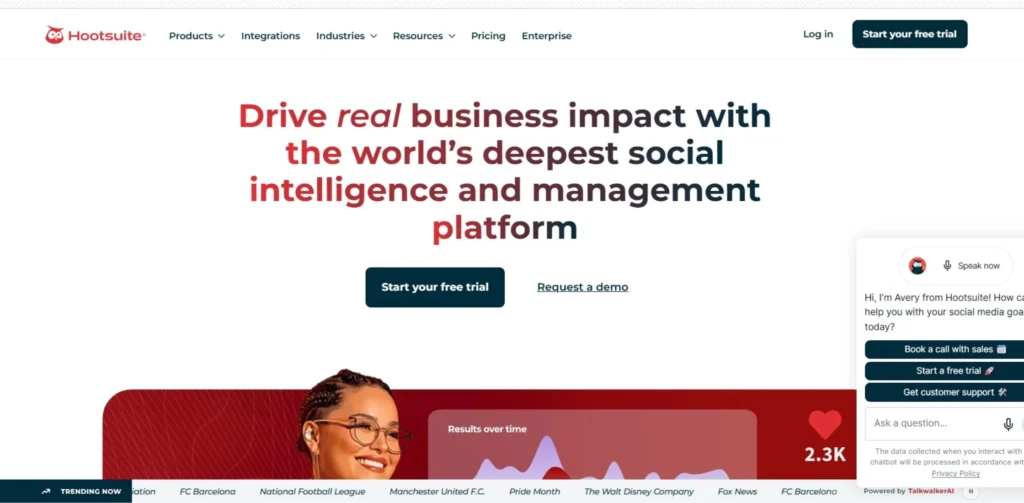
Hootsuite is one of the more popular and established social media management programs designed to work for enterprise-level teams, who need to deal with numerous profiles and channels at one time. Its collaborative features enable common content calendars, workspaces, and deep integration with many other tools that help teams get more done than in its native platform.
The shared calendar provides all team members with an overview of organic and paid posts such as those that are drafted, scheduled and live. Collaborating with other social media scheduling tools is no longer limited to social media, however—Hootsuite integrates with 150+ apps such as Canva, Google Drive, Slack, Dropbox and Zendesk, bringing collaboration to social media scheduling and beyond. It is important to note, however, that teams in the Scheduling plan ($199/user/mo) will have basic analytics and scheduling, but no content approval, while the Advanced plan ($399/user/mo) includes content approval.
| Key Collaboration Features | Shared calendar, workspaces, bulk scheduling, team streams |
| Approval Process | Available on Advanced plan only |
| Best For | Large enterprise teams managing multiple brands and high post volumes |
| Pricing | From $199/user/month |
| Free Trial | 30-day trial available |
3. Sprout Social
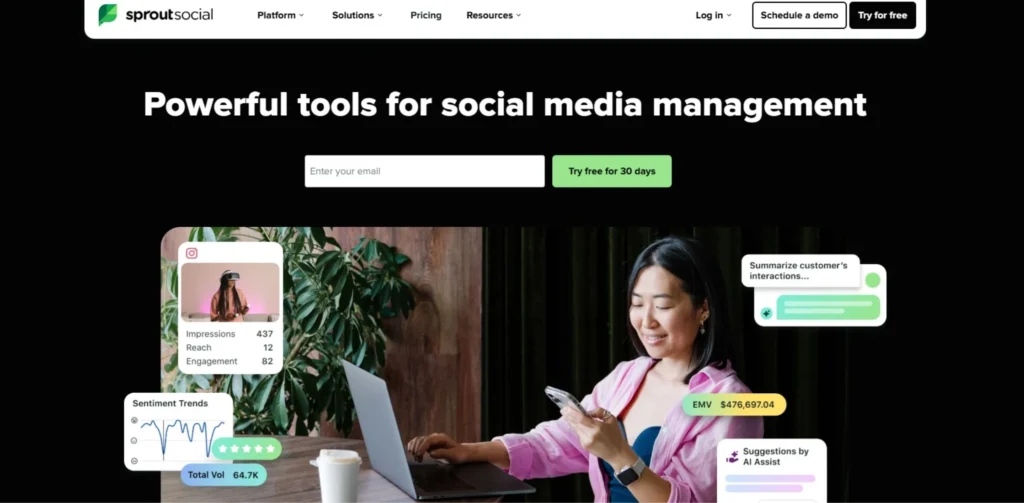
Sprout Social is an advanced social media collaboration and administration instrument that consolidates content collaboration, strong examination, social listening, and CRM-like highlights. It’s the one to go to when creating teams where data and strategic decision making take as much importance as publication.
Used by a variety of businesses from enterprises and small businesses to customer care agencies, Sprout Social offers social media analytics capabilities which enable companies to make informed decisions and optimise their strategies. It uses AI capabilities to help with sentiment analysis, best send times and content performance predictions. The approval process for the platform is integrated into the basic interface, so it is easy for the team to send content for review before sending.
| Key Collaboration Features | Approval workflows, team task assignment, shared inbox, smart inbox |
| Approval Process | Built-in, multi-level, with audit trail |
| Best For | Data-driven teams, enterprise brands, social CRM use cases |
| Pricing | From $249/seat/month |
| Free Trial | 30-day trial available |
4. Buffer
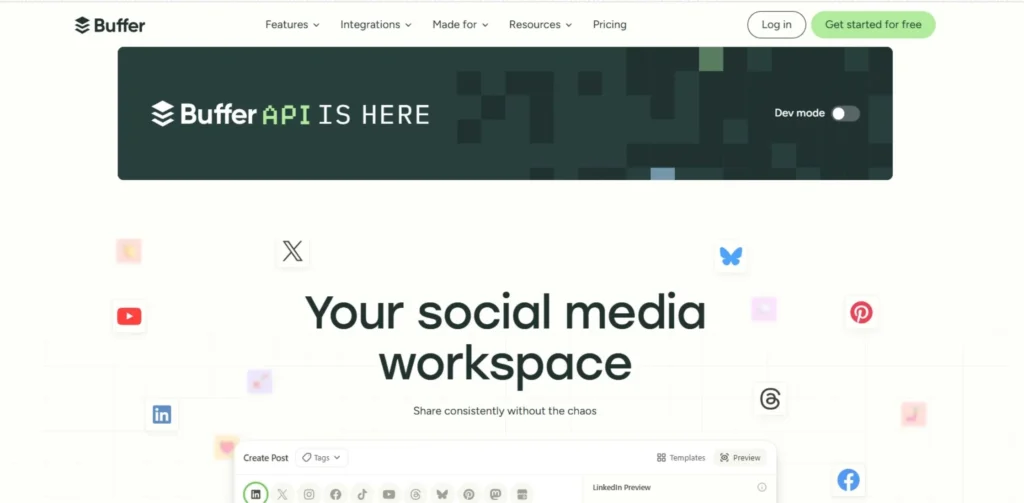
Buffer is a no-frills, clean social media collaboration app that has a friendly interface for small teams, freelancers and content makers that want a basic scheduling solution with enough team features to keep them organized. Over the years it has grown and enhanced greatly with the advent of an AI assistant, engagement options and even integration with Shopify for e-commerce brands.
With Buffer’s free plan, you can have 3 channels, with 10 posts per channel, but not a free trial, as it is a free plan. If you want to use the buffer for long periods, then Buffer’s plan is the best option since it’s not time-limited. It’s a per-channel pricing scheme tool, which is extremely cost-effective for small teams compared to per-user pricing tools. Buffer is well suited for the teams that are focused on a limited number of channels and not dealing with multi-client workflows.
| Key Collaboration Features | Content drafts, approval basics, team access, publishing queue |
| Approval Process | Basic draft and approve functionality |
| Best For | Small teams, solo creators, startups with simple workflows |
| Pricing | From $6/channel/month |
| Free Trial | Free plan available permanently |
5. Loomly
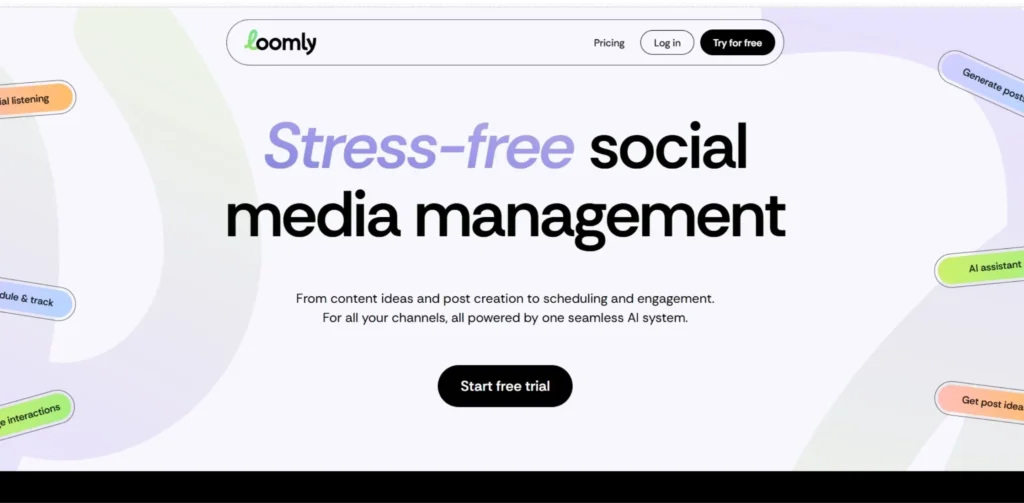
Primarily structured around campaigns, post ideas and visual content previews, Loomly is a social media collaboration tool. It provides teams a helpful framework in which to plan content with context, from post performance tips to platform-specific best practice suggestions, served up when they create it.
Multi-level approval workflows, post level permissions, pending vs. approved posts and tracking of feedback are among Loomly’s collaboration features. It’s easy to use and intuitive, which makes it a great choice for medium-sized teams looking for a bit more structure than Buffer, but not as complex as Sprout Social. Loomly also supports Slack and Microsoft Teams for instant messages to teams when content requires review or has been approved.
| Key Collaboration Features | Multi-level approvals, roles, post comments, content calendar |
| Approval Process | Multi-level with status tracking and notifications |
| Best For | Campaign-focused teams, brands running structured content programs |
| Pricing | From $32/month |
| Free Trial | 15-day free trial |
6. Agorapulse
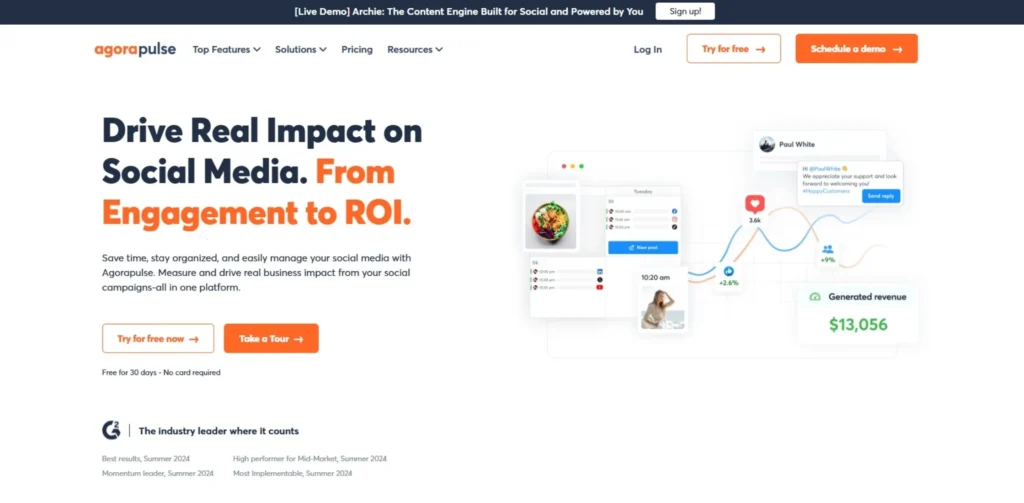
Agorapulse is a social media integration platform with a strong emphasis on the inbox and reporting functionality, making it a popular option for agencies and SMBs looking for a platform that not only helps them manage their content but also engage with customers. It’s user interface is powerful, yet simple, which is hard for enterprise software to pull off.
Agorapulse excels in managing inboxes and working together as a team. It has a single inbox that’s very easy to use, and saves your replies so you can quickly send them back to people, and you can easily assign them to other people on the team. It’s a platform that offers the power necessary for agencies and approachability for smaller teams. Approval workflows are also supported starting with Professional plan and reporting features provide all the data accountability managers need for client presentation in white label format.
| Key Collaboration Features | Unified inbox, team assignment, approval workflows, reporting |
| Approval Process | Available on Professional plan and above |
| Best For | Agencies, SMBs prioritizing engagement and inbox management |
| Pricing | From $79/user/month |
| Free Trial | Free plan available with limited features |
7. Sendible
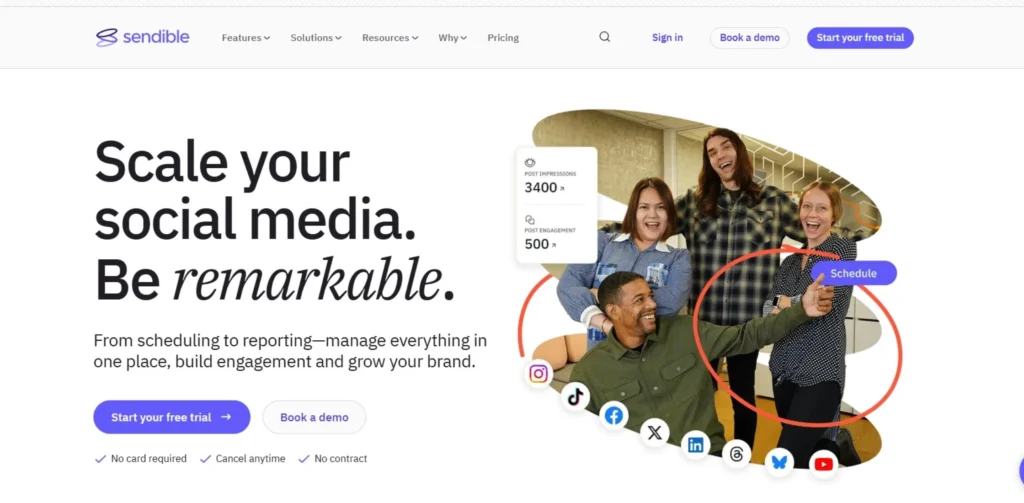
Sendible is a social media collaboration tool, designed specifically for agencies. It is built to support multiple clients at scale, and has been built with tools that enable agencies to get clients up and running in no time, tailor their experience and ensure brand consistency across clients.
Sendible is a social media management tool that’s ideal for agencies and businesses with multiple clients or brands. One of Sendible’s major advantages is its white-labeling options, which allow agencies to develop and provide branded dashboards and reports to their clients, improving the professional appearance of their reports. It is one of the easiest on this list to afford, as it begins at $29 per month, and it’s an agency-grade collaboration tool for growing agencies that are on a budget.
| Key Collaboration Features | White-label dashboard, approval workflow, client reports, bulk scheduling |
| Approval Process | Yes, with team roles and client review access |
| Best For | Client-facing agencies needing white-label reporting |
| Pricing | From $29/month |
| Free Trial | 14-day free trial |
8. SocialPilot
For agencies and freelancers with an enterprise-level of social media accounts, but lack of budget, SocialPilot is a very cost-effective social media collaboration tool. Unlike per-user pricing tools, it offers a flat-rate subscription service, making it an attractive option for teams of all sizes.
Because of its bulk scheduling, branded reports, and flat-rate pricing, which makes it cost effective to manage several clients from that one account, SocialPilot is a good option. It features a writing assistant tool powered by AI, canva integration for creating visual content and a content calendar where teams can see what is coming up and what needs to be reviewed. It is particularly great for lean agency teams that have 10+ clients or more and do not have the funds for Sprout Social or Hootsuite.
| Key Collaboration Features | Team collaboration, bulk scheduling, client management, AI writer |
| Approval Process | Yes, with team roles and content review |
| Best For | Budget-conscious agencies managing multiple client accounts |
| Pricing | From $30/month |
| Free Trial | 14-day free trial |
9. Kontentino
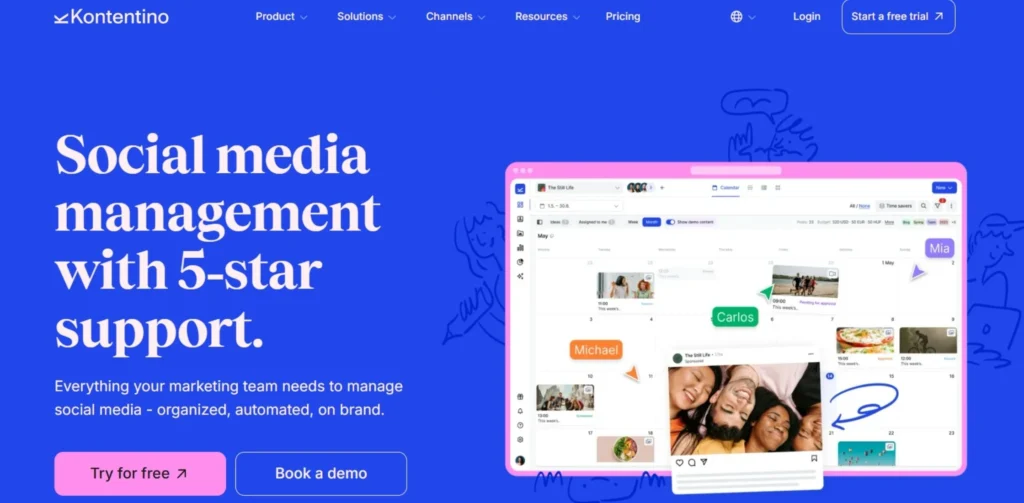
Kontentino is a social media collaboration and approval system, designed with agencies and marketing teams in mind, who have detailed, structured review processes. Approval and client sign-off are at the heart of its design philosophy, making it one of the most thorough content governance management tools.
Kontentino is a social media collaboration and approval platform for marketing teams to produce, approve and publish social media content. It includes a visual content calendar, previews of the content, task assignment and approvals, allowing teams and clients to view content in context before it goes live. For large organisations with a large number of internal and external stakeholders that need to approve the content before it is published, the platform is particularly good as it minimises the chance of errors or compliance issues.
| Key Collaboration Features | Visual calendar, post previews, task assignment, multi-stakeholder approvals |
| Approval Process | Detailed client-facing and internal multi-step approval |
| Best For | Agencies with complex client approval requirements |
| Pricing | Custom pricing, contact for quote |
| Free Trial | Demo available on request |
10. Zoho Social
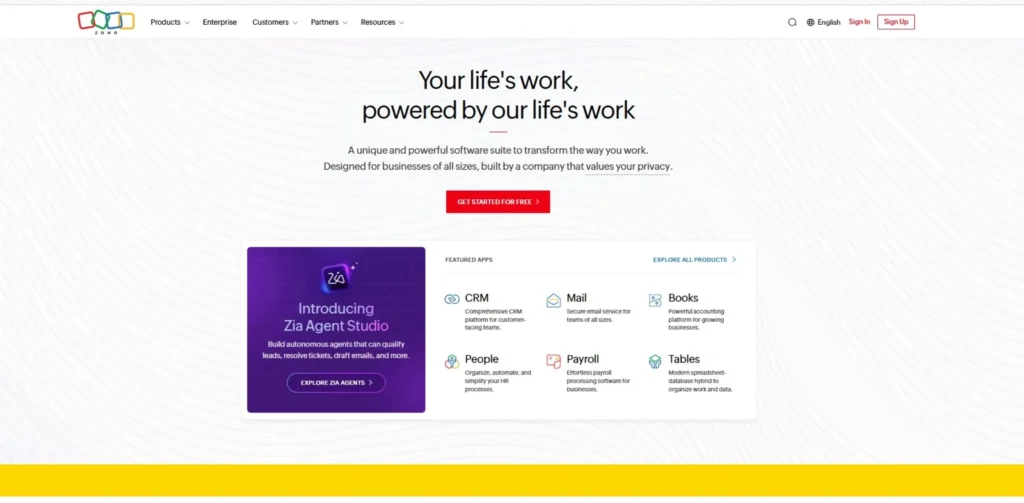
Overall, Zoho Social is a comprehensive social media collaboration platform with a particularly compelling advantage for organisations that are already utilising the Zoho suite of applications. Combines scheduling, analytics, team collaboration and CRM integration in a single solution at an affordable price for solopreneurs to mid sized teams.
An advantage for businesses already integrated into the Zoho suite of business applications, Zoho Social is part of the larger group. It’s free for teams just starting out, allowing them to connect to several networks and use it for one brand. The AI-powered content tools assist with caption writing, optimization of timing and tracking performances. Having Zoho CRM integration is a great benefit to companies that need to link social engagement with their sales process.
| Key Collaboration Features | Team roles, approval workflows, shared calendar, CRM integration |
| Approval Process | Yes, with team permissions |
| Best For | Zoho ecosystem users, small to mid-sized business teams |
| Pricing | From $15/month |
| Free Trial | Free plan available |
11. CoSchedule
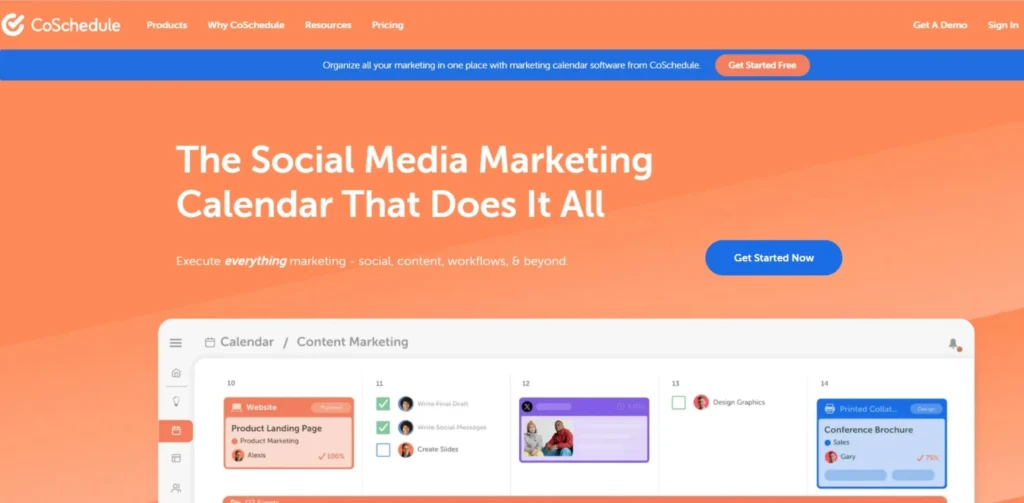
CoSchedule, the social media collaboration tool, is a blend of content marketing and social media management. It’s ideal for teams that work together to plan blogs, campaigns, and social posts, and it’s a great option for social strategies that are tightly integrated with your overall content strategy.
CoSchedule’s headline analyzer and marketing calendar are two of the tools that set it apart from other social media collaboration tools. The AI-powered headline analyzer enables teams to create more compelling post copy, and the marketing calendar gives them a single place to view all their campaigns. It’s no surprise that the platform is compatible with WordPress and HubSpot, as it’s an inbound marketing team’s ideal solution when working with both blog and social media content from one workflow.
| Key Collaboration Features | Marketing calendar, task management, team workflows, AI headline analyzer |
| Approval Process | Yes, with task assignments and review stages |
| Best For | Content marketing teams blending blog and social planning |
| Pricing | From $29/user/month |
| Free Trial | Free plan available with limited features |
12. Later
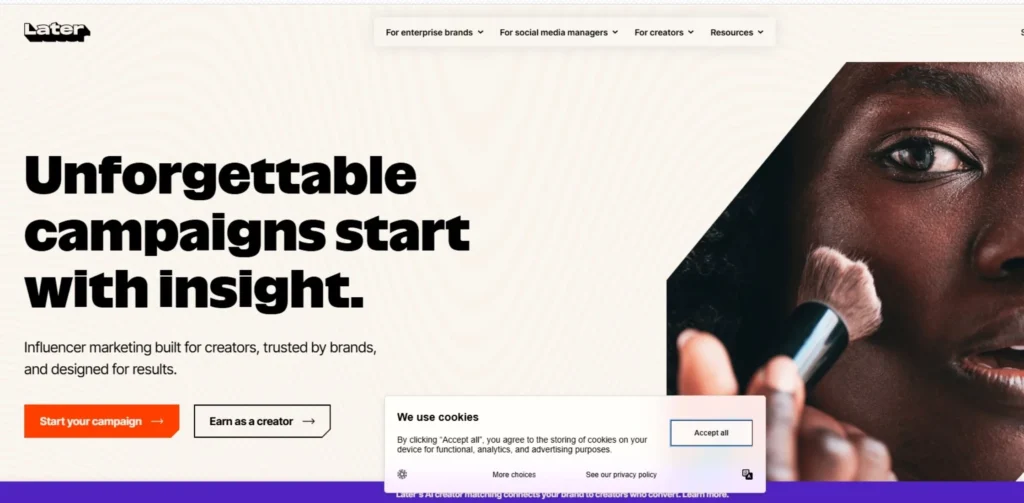
Later is a picture-oriented social media group effort system particularly well liked amongst brands and companies specializing in Instagram, TikTok, and Pinterest. It’s easy to plan content with its intuitive and fast-to-use drag-and-drop visual calendar, especially for image-heavy content and video-first strategies.
One of its best features is its media library, which enables teams to store, find, and repurpose visual content within its platform. Its AI suggestions for captions and hashtags allow teams to come up with content ideas quickly. Later is not as powerful as Planable or Sprout Social when it comes to tackling complex multi-client approval processes, but it’s a great option for creative teams that value visual storytelling and want a clean, modern workspace to plan content calendar.
| Key Collaboration Features | Visual calendar, media library, team access, AI captions, hashtag tools |
| Approval Process | Basic team approval and review |
| Best For | Visual brands, influencer agencies, Instagram and TikTok-focused teams |
| Pricing | From $25/month |
| Free Trial | 14-day free trial |
Feature Comparison Table: Social Media Collaboration Tools
| Tool | Content Calendar | Multi-Level Approvals | Client Access | AI Features | White-Label | Free Plan | Mobile App |
| Planable | Yes | Yes | Yes | Yes | No | Yes | Yes |
| Hootsuite | Yes | Advanced plan only | Limited | Yes | No | No | Yes |
| Sprout Social | Yes | Yes | Limited | Yes | No | No | Yes |
| Buffer | Yes | Basic | No | Yes | No | Yes | Yes |
| Loomly | Yes | Yes | No | Yes | No | No | Yes |
| Agorapulse | Yes | Professional+ | No | Yes | No | Yes (limited) | Yes |
| Sendible | Yes | Yes | Yes | Yes | Yes | No | Yes |
| SocialPilot | Yes | Yes | Yes | Yes | Yes | No | Yes |
| Kontentino | Yes | Yes | Yes | Limited | No | No | Yes |
| Zoho Social | Yes | Yes | No | Yes | No | Yes | Yes |
| CoSchedule | Yes | Yes | No | Yes | No | Yes (limited) | Yes |
| Later | Yes | Basic | No | Yes | No | No | Yes |
How to Choose the Right Social Media Collaboration Tool
- The first step is to create a chart of your team and the number of users, roles, and number of client accounts that you are handling.
- Look at your current workflow and determine how it fails, whether it is at the approval stage, feedback stage or scheduling stage
- Focus on tools that minimize friction when it comes to feedback loops, versioning and sign off; not only scheduling.
- See if it works with the social media platforms that you and your team are most active on, such as TikTok, LinkedIn and Pinterest.
- Carefully analyze pricing structures, as they are different for per-user pricing in comparison to per-workspace or per-channel pricing for a growing team.
- Sift through the features to find those with artificial intelligence capabilities, such as time-saving caption generation, scheduling optimization, and content suggestions.
- For agencies, try to include client-facing features like external reviewers access and white-label reports, and separate client workspaces.
- Run a test of the approval workflow in a free trial to see if it is the same as the number of review steps your content needs.
- Ensure your team is leveraging tools they already use for integration, like Canva, Slack, Google Drive or your CRM.
- Look at reviews by teams of similar size and type to your own, don’t just look at the overall ratings.
Best Social Media Collaboration Stack: Tools That Work Together
| Use Case | Primary Tool | Supporting Tool | Why They Pair Well |
| Agency content approval | Planable | Canva | Planable handles approvals; Canva handles design, with direct integration |
| Enterprise social management | Sprout Social | Slack | Sprout Social manages content; Slack delivers team notifications |
| Budget agency workflow | SocialPilot | Google Drive | SocialPilot for scheduling; Drive for asset storage and sharing |
| Visual brand content | Later | Canva | Later’s visual calendar pairs naturally with Canva’s design output |
| Content + social planning | CoSchedule | WordPress | CoSchedule connects blog publishing and social scheduling in one calendar |
| Zoho-based teams | Zoho Social | Zoho CRM | Social engagement connects directly to sales pipeline |
| Client-facing reporting | Sendible | Google Analytics | Sendible white-labels reports; Analytics powers the data behind them |
Conclusion
The key to selecting the right social media collaboration platform in 2026 is identifying your existing workflow’s weaknesses and determining the type of team you’re managing. If you have several clients, and many layers of approval processes, then tools such as Planable, Sendible or Kontentino are specifically made for these agencies. If your business team requires in-depth analytics and content management, the tried-and-true choices are Sprout Social or Hootsuite. SocialPilot and Buffer are tough to beat if you’re on a budget and have numerous accounts to handle. For brands that are as much visual as verbal, and thrive on Instagram and TikTok, Later offers a simple and intuitive experience.
The best social media cooperation tools aren’t only there to assist you with posting more content. They save your team time and effort trying to track down approvals, the right file, or asking which version is the final one, and allow more time to be spent on the creative and strategic work that can actually help grow a brand. While you may be tempted to choose any platform, making a wise investment to help your team at its stage and workflow will pay off in many ways, including saving time, ensuring brand consistency, and boosting client satisfaction.
FAQs
Which is the best collaborative platform for social media with small teams?
For small teams, either Buffer or Planable are great options. The pricing of both Buffer and Planable is simple, with Buffer offering a permanent, free plan with easy scheduling, and Planable starting at $33 per workspace per month, a cost-effective solution for teams with multiple brands.
How do tools for social media allow for approval workflows?
Approval workflows take draft content through one or more of the review stages before it’s published. A writer writes a post, it is reviewed and commented by the manager, and may be reviewed and signed off by a client or legal approver. Planable, Kontentino and Loomly are examples of tools that have multiple workflows with each step needing to be resolved before the next one can be started.
Is it possible to have multiple client accounts on a collaboration tool?
Yes. Companies such as Sendible, SocialPilot, Planable and Kontentino offer features that are tailored to managing multiple client accounts from a single platform; each client has their own workspace, client permissions and a client facing review portal where they can only see their own content.
What do you see as the distinction between a social media scheduler and a collaboration tool?
A scheduler is a person who is concerned with the scheduling and publishing of posts at the appropriate times. A collaboration tool encompasses all aspects of the content life cycle – from draft to feedback, version control, approval and scheduling. Social media collaboration tools bring planning, drafting, approvals, asset management, scheduling, and feedback together in one place to enable teams to get projects done faster without causing any conflicts.
Are there any free tools for social media collaboration?
Yes. Planable has a free plan with full collaboration, Buffer has a free single-brand plan for up to 3 channels, Zoho Social has a free plan (limited) and Agorapulse has a free plan (limited). These are great for making sure workflows work correctly before having to pay for a service.