
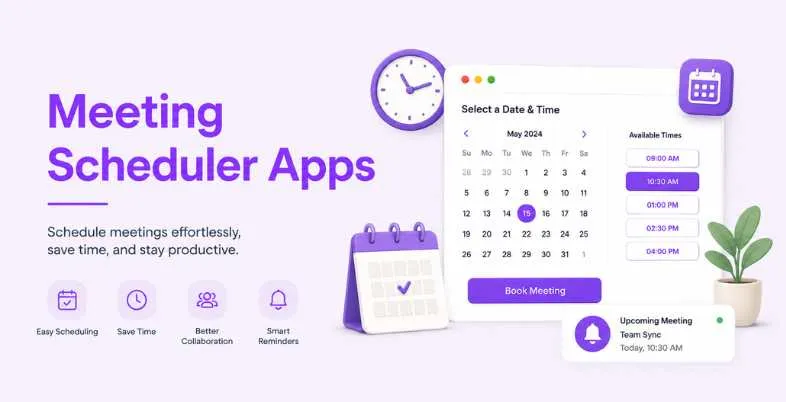
No more last-minute email exchanges for scheduling a meeting! Best meeting scheduler apps 2026 automate your calendar syncing, reminders, and booking confirmation.
Oin 2026, the global appointment scheduling software market is expected to be worth $635.6 million and will reach a value of $1.9 billion by 2034, expanding at CAGR of 14.7%. This growth is indicative of businesses’ accelerated shifting toward an automated booking process. Indeed, 82% of bookers prefer to book via the website over the phone and 40% of bookings are made out of business hours, making a specially designed scheduler essential, not optional.
A meeting scheduler app is a critical tool for individuals in the service sector who book appointments, sales professionals who are trying to schedule demos and presentations, or freelance business owners who take emails from all their customers. We’ve declared the top 12 meeting scheduler apps for 2026, along with their specs, advantages, disadvantages, and honest comparisons to assist you in choosing the ideal one.
What Is a Meeting Scheduler App?
A meeting scheduler application is an application designed to make meeting scheduling convenient as well as automate the scheduling, affirmation and also administration of meetings. You send the other person a booking link — it’s flexible, since the other person just books the time that works for both of you.
Today, meeting scheduler apps offer more than just scheduling. They generate automated reminders, manage rescheduling, sync up with some video conferencing software (in this case Zoom or Google Meet), and interface with CRMs such as HubSpot or Salesforce.
Calendly has 26.56% market share in the category of Scheduling Apps. The AI-powered feature, escalating automation needs in business workflows and the trend toward cloud adoption have backed the scheduling software market experiencing 16.1% growth till 2032.
Why You Need a Dedicated Meeting Scheduler in 2026
One of the largest productivity time stealers for businesses is manual scheduling. Online scheduling can boost the revenue by as much as 27% and time saving can be up to eight hours per week.
There is also a 3X increase in appointments that business with 24/7 online booking will capture compared to those that are using the booking by phone method.
- Time saving: No email chains when booking = more time available to work each week.
- Less missed appointments: Automatic reminders and confirmations help to minimize the number of no-shows.
- Available 24/7: Your clients are able to book at any time (even after regular business hours) without your help.
- Native Integrations: CRM sync means that booking data is automatically pushed into your sales pipeline live.
- Clean booking site: It’s professionally done and helps customers to trust the company.
When selecting meeting scheduler apps, it’s important to consider more than just the cost.
How We Evaluated Meeting Scheduler Apps
We compared the various tools based on several criteria: setup ease, calendar integration, video tool and CRM integrations, team scheduling capabilities, automation level, and quality/value. We also took into account free plans generosity, mobile application, and the scalability of each tool from single users to teams.
More than 67% of scheduling software buyers find integration with current tools the most critical feature, while 58% of businesses intend to boost their technology budget for scheduling in 2026. Thus, we paid close attention to usability and integration, rather than a list of features, and these 12 top meeting scheduler apps are worth your time and money this year.
Top 12 Meeting Scheduler Apps (2026)
1. Calendly — Market Leader in Scheduling Automation
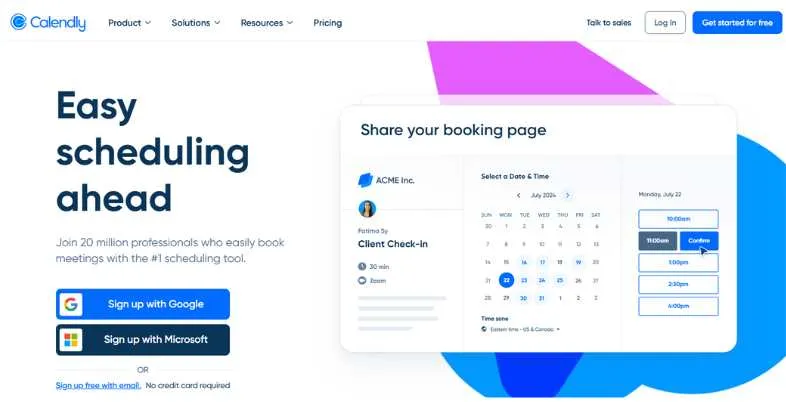
Calendly is one of the leading meeting scheduler apps in the world with more than 26% of the scheduling software market. It enables users to provide a booking confirmation link and share it to have guests choose an available appointment, without the need to go back and forth. Calendly can be used for scheduling individual events, assigning events to teams, rotate events between team members or use routing forms to guide visitors to the appropriate booking page.
Has 140+ native integrations, such as Salesforce, HubSpot, Zoom and Slack, that can seamlessly integrate into almost any workflow. Its clean and easy-to-use API and mobile application (IOS and Android) make it among the most dependable and scalable tools available.
Key Features
- Round-robin scheduling
- Calendar routing forms
- Native Salesforce sync
- Automated reminders
- Team availability pages
Pros
- 140+ integrations
- Polished mobile app
- Reliable calendar sync
Cons
- Expensive for large teams
- Free plan very limited
- No Apple Calendar (new users)
Pricing: Free; $10/seat/mo
Best For: B2B SaaS teams
Website: https://calendly.com/
2. Cal.com — Open-Source Calendly Alternative
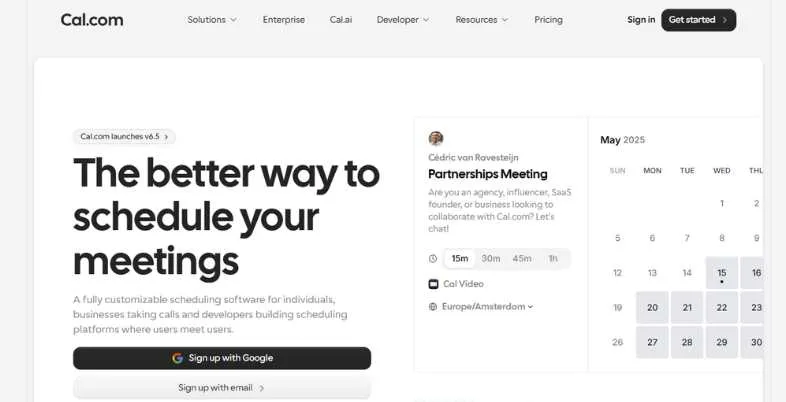
Cal.com is an open-source, contemporary app that manages communication and has stood as one of the best Calendly alternatives. All of these features are included in the free individual plan, including payment processing, unlimited booking links, unlimited event types, and an AI scheduling agent, which Calendly offers for $10–$16 per seat per month. Cal.com is 100% opensource, meaning developer teams can self host Cal.com and have complete data ownership.
It provides round-robin scheduling, automated follow-up, integrate Stripe to accept bookings at time of booking, and rich API access. If offering a more flexible environment, to ensure long-term efficiency and lower fees while custom branding is key, Cal.com offers much more than many services at its price level.
Key Features
- Unlimited free booking links
- Self-hosting option
- Built-in AI scheduling agent
- Stripe payment at booking
- Full API access
Pros
- Generous free plan
- Open-source and self-hostable
- AI scheduling included
Cons
- Setup needs tech comfort
- Custom domain needs paid plan
- Less polished UI than Calendly
Pricing: Free; $12 per month/user
Best For: Developers and SMBs
Website: https://cal.com/
3. Doodle — Group Poll Scheduling
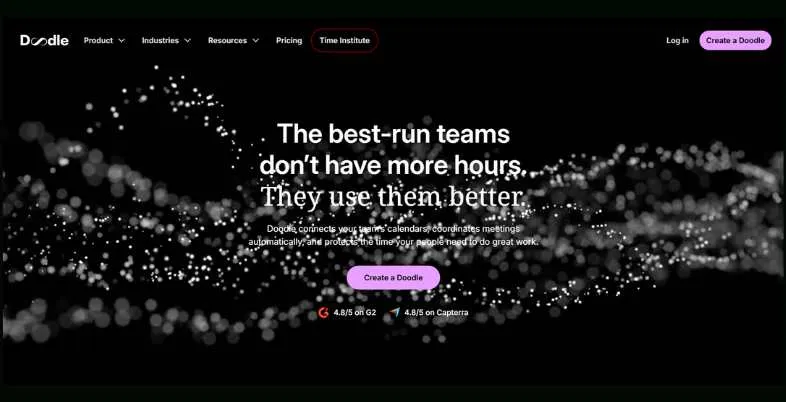
Doodle’s approach to scheduling is unique. Instead of any single booking link, the organiser offers a collection of date and time options, with participants choosing from them, thus it’s perfect for any types of group meetings that happen when people need to find a time that they all can attend. It is a ubiquitous team, committee and client group meeting planner application.
Doodle has ushered in a new era of cloud-based bookings with 1:1 booking pages, sign-up sheets and live Zoom, Google Meet, Teams and Webex integrations. Doodle is most widely used for poll based scheduling and coordination of groups and is over 30M active users.
Key Features
- Group availability polling
- 1:1 booking pages
- Sign-up sheet scheduling
- Zoom and Teams integration
- Calendar sync
Pros
- Great for group scheduling
- Easy to use
- Large user base
Cons
- Ads on free plan
- Limited CRM integration
- Not ideal for solo booking
Pricing: $11.00 per user per month paid annually
Best For: Group and team meetings
Website: https://doodle.com/en/
4. HubSpot Meetings — CRM-Integrated Scheduler
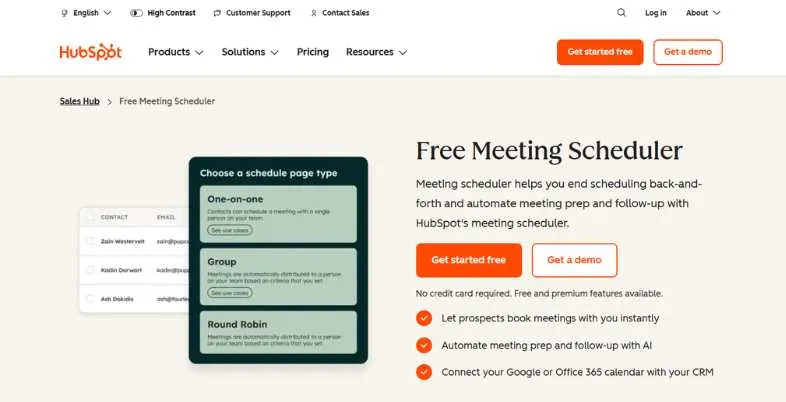
HubSpot Meetings is an application designed to schedule meetings in-built into the HubSpot CRM application. When a person books a meeting, the contact record is automatically created or updated in HubSpot — the most smooth scheduling application for teams that are already equipped with HubSpot for their sales or marketing efforts. It can be used for independent booking links and team round-robin scheduling.
Conveniently, HubSpot Meetings is completely free of charge to all HubSpot users, and is a great zero cost option for small teams for the HubSpot ecosystem. Since it’s native to HubSpot, it collects all meeting data into your pipeline, contact history and reporting dashboards without requiring any configuration.
Key Features
- Auto-creates CRM contacts
- Round-robin team scheduling
- Pipeline and deal sync
- Booking page customization
- Google and Outlook calendar sync
Pros
- Free for HubSpot users
- Native CRM integration
- Auto-logs meeting data
Cons
- Best only within HubSpot
- Limited standalone features
- Advanced features need paid HubSpot
Pricing: Free; ₹585/mo/seat
Best For: HubSpot CRM users
Website: https://www.hubspot.com/products/sales/schedule-meeting
5. Acuity Scheduling — Best for Service Businesses
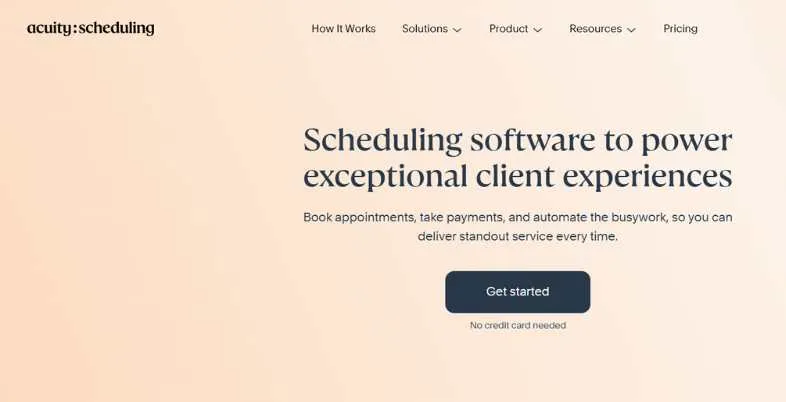
Meet scheduling app for service-based businesses: Coaches, Consultants, Therapists, tutors, Wellness professionals and more will find Acuity Scheduling, owned by Squarespace, the most powerful meeting scheduling app available. Its integration enables more than just booking – it also allows installation of an intake form, deposits/payment upfront, packages/bundles, periodic memberships and gift certificates.
Clients are able to reschedule and cancel their appointments independently and reminders keep no shows to an absolute minimum. Acuity integrates with Zoom, Google Meet, Stripe, PayPal, and Square. It also has integration with Mailchimp, Salesforce and Zapier. Acuity is one of the most comprehensive tools to have, especially for businesses requiring a full client-booking system, rather than just the link on the calendar.
Key Features
- Intake forms at booking
- Upfront payment and deposits
- Package and membership sales
- Branded booking pages
- Automated reminders
Pros
- Great for paid services
- Highly customizable forms
- Squarespace integration
Cons
- Higher starting price
- Overkill for simple scheduling
- No free plan
Pricing: Free; $16/ month
Best For: Coaches and service providers
Website: https://acuityscheduling.com/
6. TidyCal — Budget-Friendly Lifetime Deal
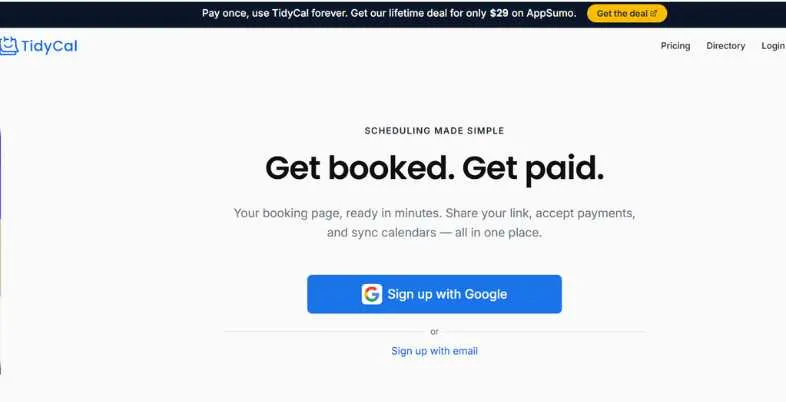
The TidyCal Meeting Scheduling App is one of the simple and easy to use meeting scheduler apps but, and here’s the catch, it’s for freelancers and one man business owners who don’t want to pay monthly subscription fees forever and don’t need a lot of frills or bells. Its best thing is the one-and-only payment price of $29 (Individual) for lifetime use – it’s the most price effective scheduling instrument in the market available for a single user.
With TidyCal, users have all the features they need: unlimited bookings, Google Calendar integration, Outlook and iCloud Calendar integration, group bookings, Zoom and Google Meet integration, and seamless integration with Stripe/PayPal. It currently has a rating of 4.3/5 based on 876+ reviews on AppSumo. Unlike tools like Calendly, however, it does not have some of the deep B2B integrations, schedule round robin polls, or the routing functionality.
Key Features
- Lifetime deal pricing
- Unlimited bookings
- Stripe and PayPal payments
- Group booking support
- Google, Outlook, and iCloud sync
Pros
- One-time payment
- Simple setup
- Reliable calendar sync
Cons
- No mobile app
- No routing forms
- No CRM integration
Pricing: Free; $29 One-time payment lifetime
Best For: Freelancers and solopreneurs
Website: https://tidycal.com/
7. Zoho Bookings
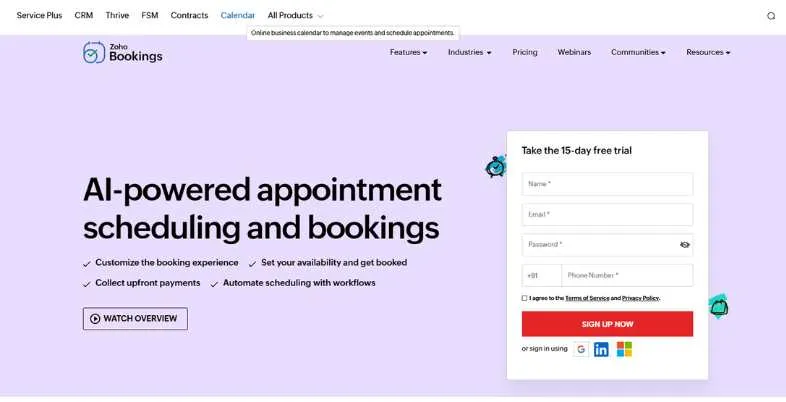
Zoho Bookings is meeting scheduler apps within Zoho suite that does not require an initial investment of any sort which may be required with other alternatives. It is native integration with Zoho CRM, Zoho Mail and Zoho Calendar which makes it the ideal choice for Zoho users who require scheduling without having to switch applications.
Integrates team scheduling, several staff calendars, Google and Outlook synchronisation and HIPAA compliance for healthcare users. This is one of the more budget-friendly per-seat services listed here and the price begins at only $6/user/month.
Key Features
- Native Zoho CRM sync
- Multi-staff scheduling
- HIPAA compliance
- Google and Outlook sync
- Automated reminders
Pros
- Very affordable pricing
- Deep Zoho integration
- HIPAA compliant
Cons
- Payments need Premium plan
- No variable appointment lengths
- Best only within Zoho ecosystem
Pricing: Free; ₹360 per user/month billed annually
Best For: Zoho CRM users
Website: https://www.zoho.com/bookings/
8. SimplyMeet.me
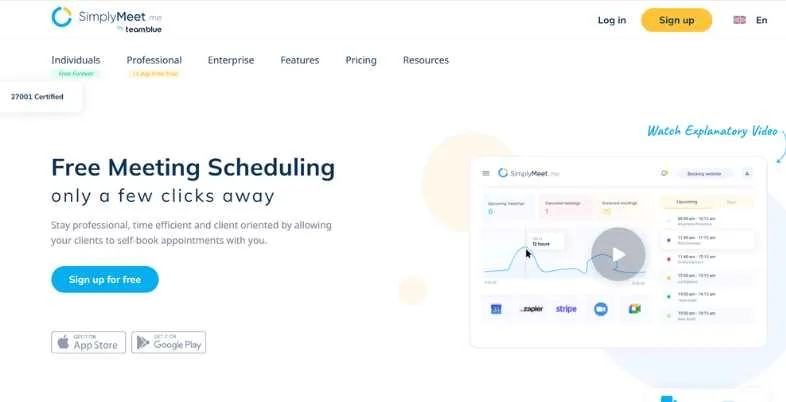
SimplyMeet.me is a tidy and uncomplicated touching up scheduling app created for particular people and little crews that value to have an uncomplicated touching up page, devoid of past the basics. It works with Zoom, Outlook, and Google Calendar and enable those to collect payments using SBPay.
It also supports grouping and rescheduling, enabling multiple people to attend in the same meeting time. SimplyMeet is appropriate for businesses looking for a dependable, low-cost solution that comes with great integrations and is easy to set up.
Key Features
- Google and Outlook sync
- Group scheduling
- Zoom integration
- SBPay payment support
- Custom booking pages
Pros
- Easy to set up
- Affordable pricing
- Good integrations
Cons
- Limited advanced features
- Small brand recognition
- No mobile app
Pricing: Free; $5.99/user/month
Best For: Individuals and small teams
Website: https://simplymeet.me/en/
9. SavvyCal — Recipient-Friendly Scheduling
SavvyCal is a thoughtful meeting scheduler app that is centered around improving the meeting booking experience for recipients of the link, not just its senders. One of its biggest features is a calendar overlay – guests will be able to import their own calendar, and will be able to see at a glance if there are dates they aren’t available for.
This makes booking a bit smoother. Another feature of SavvyCal is the ability to create custom scheduling links, reference calendar sync and link-level availability controls. Perfect for consultants and client-facing roles looking for a more sophisticated and gracious booking service.
Key Features
- Calendar overlay for invitees
- Reference calendar sync
- Custom scheduling links
- Available time controls
- Google and Outlook sync
Pros
- Best invitee experience
- Reduces booking friction
- Clean, modern UI
Cons
- US servers only (no EU hosting)
- No built-in video conferencing
- Smaller integration list
Pricing: Free; $17/user/mo
Best For: Consultants and client-facing teams
Website: https://savvycal.com/
10. Chili Piper — Sales Team Lead Routing
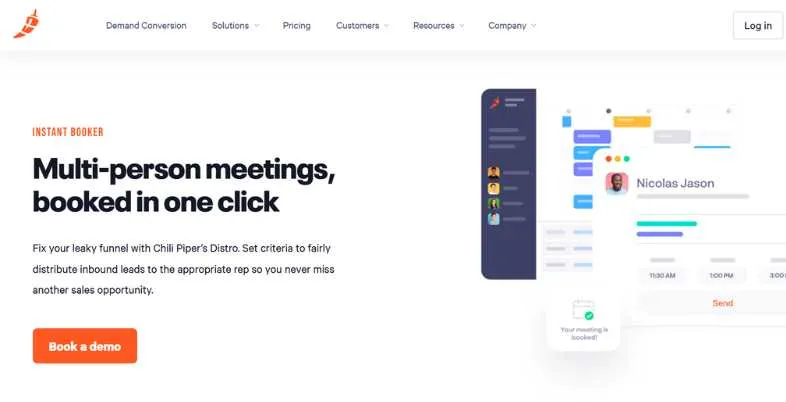
Chili Piper is a sales- and marketing-specific meeting scheduler app that focuses on revenue. They have a great core strength: Inbound lead routing — If a prospect completes a form on your site, Chili Piper immediately assigns them to the appropriate salesperson and books the appointment.
This significantly shortens the lead response time, and increases conversion rates. Chili Piper also facilitates round-robin assignment, booking from CRM and handovers between members of the sales team. Superbly connected with Salesforce, HubSpot and Marketo.
Key Features
- Instant inbound lead routing
- Round-robin rep assignment
- Salesforce and HubSpot sync
- Meeting handoff workflows
- Form-to-booking automation
Pros
- Best for inbound sales
- Deep CRM integration
- Reduces lead response time
Cons
- Expensive for small teams
- Complex setup
- Overkill for non-sales use
Pricing: $1,250 /Month
Best For: Sales and revenue teams
Website: https://www.chilipiper.com/
11. Microsoft Bookings
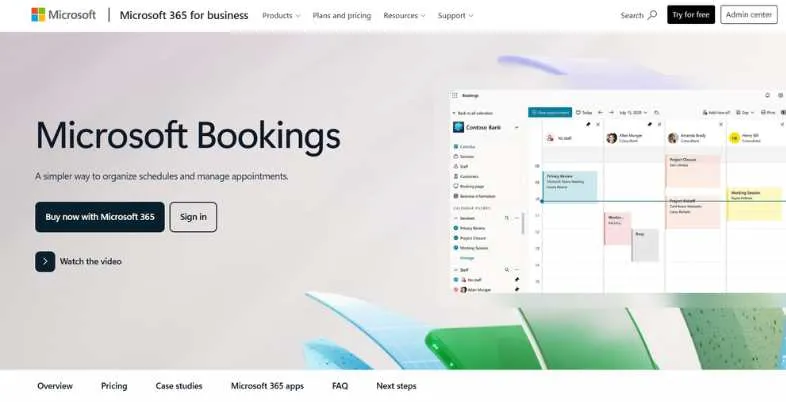
Microsoft Bookings is a built-in meetings scheduler app that’s part of Microsoft 365, which is a zero-addedt-cost service for businesses that have Microsoft 365. Accepts bookings directly in Outlook, MS Teams and Exchange and synchronies the bookings on all calendars connected to avoid double booking.
Users have customisable booking pages, automated reminder notifications, multi-staff calendar management and data collection of these users using booking forms. Easy, dependable and perfect for businesses that do not want a third party application to join their third party toolstacks.
Key Features
- Native Microsoft 365 integration
- Multi-staff calendar management
- Auto-sync with Outlook and Teams
- Customizable booking pages
- Customer data collection forms
Pros
- Included with M365
- No extra cost
- Teams integration
Cons
- Limited outside Microsoft
- Less flexible than Calendly
- No open API
Pricing: Included with Microsoft 365 plans
Best For: Microsoft 365 organizations
Website: https://www.microsoft.com/en-in/microsoft-365/business/scheduling-and-booking-app
12. YouCanBookMe
YouCanBookMe meets the needs of small business, scheduling teams, and individuals with the problem of scheduling a meeting. It is highly suitable when a global scheduling is required, since it automatically passes the time difference between time-zone.It works well for teams who customers are spread all over the globe, as it handles the time difference to other zones automatically.
YouCanBookMe includes branded confirmation pages, customizable booking pages, automated confirmations via email & SMS, group booking and collection of Stripe payments. G2 rated it with an impressive 4.7/5 based on reviews from almost 2,000 users.
Key Features
- Automatic time zone management
- Branded booking pages
- Email and SMS notifications
- Stripe payments
- Buffer time between meetings
Pros
- Great time zone handling
- Highly rated by users
- Simple setup
Cons
- Limited free plan
- No native CRM integration
- Routing forms not available
Pricing: Free; $7.20 / month
Best For: Global SMBs and appointment businesses
Website: https://youcanbook.me/
Comparison Table: Meeting Scheduler Apps 2026
| Name | Free Plan | Calendar Sync | Team Scheduling | CRM Integration | Best For |
| Calendly | Yes (1 event type) | Google, Outlook | Yes | Salesforce, HubSpot | B2B SaaS teams |
| Cal.com | Yes (unlimited) | Google, Outlook, iCal | Yes | Via integrations | Developers, SMBs |
| Doodle | Yes (with ads) | Google, Outlook | Yes | Limited | Group meetings |
| HubSpot Meetings | Yes | Google, Outlook | Yes (round-robin) | HubSpot native | HubSpot users |
| Acuity Scheduling | No | Google, Outlook | Yes | Salesforce, Zapier | Service businesses |
| TidyCal | Yes | Google, Outlook, iCloud | Limited | No | Freelancers |
| Zoho Bookings | Yes | Google, Outlook, Zoho | Yes | Zoho CRM native | Zoho users |
| SimplyMeet.me | Yes | Google, Outlook | Yes | Limited | Individuals |
| SavvyCal | Yes | Google, Outlook | Yes | Via Zapier | Consultants |
| Chili Piper | No | Google, Outlook | Yes | Salesforce, HubSpot | Sales teams |
| Microsoft Bookings | With M365 | Outlook, Exchange | Yes | Microsoft 365 | Microsoft shops |
| YouCanBookMe | Yes (limited) | Google, Outlook | Yes | Via Zapier | Global SMBs |
Free Meeting Scheduler Apps: Best Options for Freelancers
In 2026, it’s easier than ever to find free meeting scheduler apps that really works.
Cal.com has the largest free option available for you to use: unlimited keyp pairs, event types, payment links, and even an AI scheduling agent, all included for free. Calendly’s free tier includes an event type but limited to one active event.
HubSpot Meetings is free for any users of HubSpot CRM.HubSpot Meetings also provides CRM sync out of the box. TidyCal is a iCal alternative with a free plan and a $29 life time upgrade (the most affordable up-front plan for the long-term use of the software).
But in 2026, booking options like the free tiers of scheduling apps are used by more than 60% of small companies, before they upgrade. Meanwhile, 53% of users will drop off a booking process if it doesn’t have a responsive, clean booking page — even free tools have to have these two things to convert.
Meeting Schedulers for Specific Use Cases
While all meeting scheduler apps serve the same function, not all of them are designed to do it. The right tool for the job means using the right tool for the right job which saves time and money.
- Niches: Companies now utilize scheduling software for very niche, niche verticals — ranging from healthcare to real estate — and more than 58% plan to allocate more budget to their scheduling technology in 2026.
- Sales teams: Chili Piper instantly routes inbound leads to the right rep, meaning you’ll get a much faster response time, which translates to more demo conversions.
- Service businesses: pay coaches, consultants, and wellness providers via Acuity Scheduling’s ability to accept payments up-front, generate intake forms and package sales.
- Free plans: For Microsoft organizations, Microsoft Bookings comes with M365 and is native synced with Outlook and Teams – no additional cost.
- Developers and startups: Cal.com’s open source design and complete API provides control and self-hosting options to developers and startups.
- Meetings in groups: Doodle’s scheduling tool allows common schedule to be found by multiple people faster than any other.
How to Set Up a Meeting Scheduler in 5 Steps
To get meeting scheduler apps running isn’t as lengthy as you might think. Most of the tools can be set up in less than 30 minutes, and 40% of the bookings take place outside of business hours, meaning the quicker you go online, the sooner you start to capture the bookings automatically.
- Decide on the tool: Depending on your situation as a freelancer, a sales team, service provider or an enterprise, select from among different categories of pulsable tools and subscribe to the free version and use it for a trial period.
- Sync your calendar: Link your Google Calendar, Outlook, OR iCloud and let the app block the time off your calendar automatically.
- Manage client availability rules: Schedule your working times, break time between appointments, daily booking limits and blackout dates to prevent clients from booking at inappropriate times.
- Include your meeting link: Create your own booking link and include it in your email signature, website contact page or LinkedIn profile or in proposals.
- Meeting notifications: Make sure to have automatic confirmation emails and reminders sent to lessen absences from the get-go.
Conclusion
One of the major productivity eagles in the 21st century, finding a time to meet has been eliminated with the right meeting scheduler apps. The spreadsheet-like scheduling software marketplace is worth more than $635 million and boasts a rapid expansion rate for 2026. There’s a meeting scheduling application for everyone from a one-person agency to a large enterprise sales team — from any budget.
Use a free plan until you find out exactly what you run into in your daily bookings and then switch to a plan that is better than the free plan when it’s worth the investment. The 12 meeting scheduler apps in this guide include all uses cases; simply choose the tool that’s best for your stack and get your bookings automated today.
FAQs
What is the best free meeting scheduler app in 2026?
Cal.com is the top free meeting scheduler website in 2026. It’s also a much more extensive offering than any of its competitor’s free editions, including unlimited booking links, unlimited event types, payments, and an AI scheduling agent (which all but competitors offer, at best, on a freemium model).
Is Calendly the best scheduling app?
Calendly leads the pack by capturing 26.56% of all the schedule applications; however, it may not be best for each and every use case. Cal.com has more features on the free plan, Acuity is optimal for service businesses, and Chili Piper is ideal for sales teams.
Can meeting scheduler apps integrate with Zoom and Google Meet?
Yes. In essence, most of the top meeting scheduler applications, such as Zoom, Google Meet, Calendly, Cal.com, Acuity, and Doodle can integrate with one another and generate meeting video conferencing links automatically when scheduling.
Which meeting scheduler is best for sales teams?
Chili Piper is a perfect meeting scheduler application for businesses of the sales niche. It directs incoming leads to the appropriate representative instantly; integrates with Salesforce and HubSpot; reduces lead response time, and it experitions direct affect on lead booking and conversion rates.
What is the difference between Calendly and Doodle?
Calendly is ideal for 1:1 meetings with a link for the other person to choose the date and time. The purpose of Doodle is to create a schedule for groups; you make a list of the times that are possible to schedule your group, and the members vote for their preferred time. Calendly is great for personal bookings, Doodle is great for team coordination and multi-attendee meetings.
Explore More: