
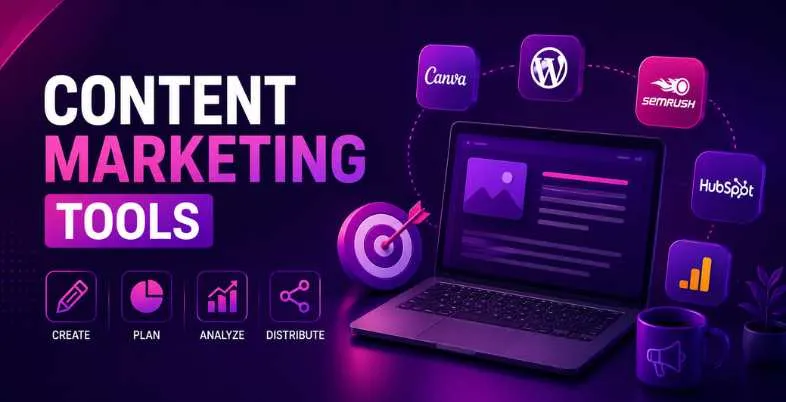
Content marketing is more competitive – or more rewarding – than ever. The value of global content marketing will exceed $600 billion in 2026, and companies that publish content regularly will produce 3x the number of leads. More impressively, 91% of B2B marketers are now using content marketing as their key growth tactic. However, in the vast number of available tools, most marketers often find it difficult to determine what works. From the beginning, when you’re working out your initial blogging strategy, to the end, when you’re managing a content operation across multiple channels for your organization, the right tool can make all the difference between a great blog post that converts and an otherwise forgotten one.
So you can create a smarter, faster, and more impactful content engine, this guide explains the 15 content marketing tools that every marketer will need in 2026, from research and creation, to SEO and scheduling, to analytics.
What Is Content Marketing?
Content marketing is about making and sharing content that is helpful, relevant and consistent with your reader’s interests, in order to attract and keep a specific audience and ultimately to make them take profitable action.
Content marketing is a method of building credibility by educating, entertaining or solving problems for your target audience, rather than pitching products directly. It includes blog posts, videos, podcasts, social media, email newsletters and more. If done correctly, it can place you as a thought leader, warm leads as they move down the funnel and provide an ongoing ROI.
The Importance of Content Marketing in 2026
Content marketing is no longer an option in 2026—it’s a fundamental part of digital growth. With paid advertising prices climbing higher and consumer trust in traditional advertising waning, quality content is the most viable method to come across as a brand authority and obtain organic visibility. Original and expert-driven content is more valuable than ever as AI generated noise is flooding every channel.
Brands who do business in this manner are investing in long-term assets that will help them to move traffic, attract leads, and generate sales long after the campaign has ended. It is a content strategy that is your competitive moat, with search engines, social platforms and buyers all seeking genuine, helpful content.
Types of Content Marketing Tools
- Content Research & Ideation Tools: Assist you in finding trending topics, audience questions, and also gaps in your competitors’ articles.
- Content Creation & Writing Tools: Help in creating and editing good quality written content.
- SEO Optimization Tools: Optimize content for keywords, structure and relevance to ensure it will get ranked.
- Content Management & Scheduling Tools: Schedule, plan and publish content in teams and across channels.
- Analytics & Performance Tracking Tools: Get information on what is working and use data to make informed content decisions.
15 Must-Have Tools to Level Up Your Content Marketing Efforts
Content Research & Ideation
1. BuzzSumo
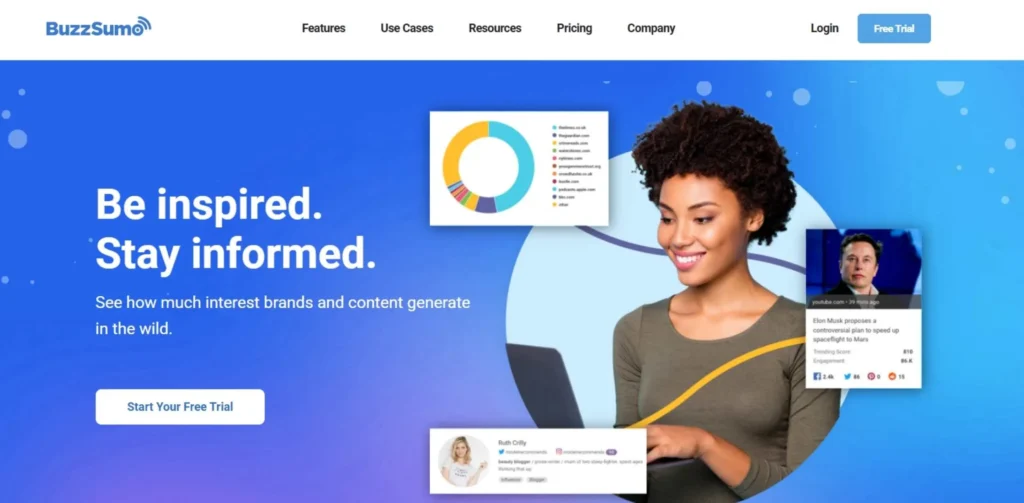
In short, BuzzSumo is a comprehensive content research and intelligence tool designed to enable marketers to find out which content is performing best for any particular topic or competitor. It identifies trending topics, subjects, and keywords before you put the effort into producing them, based on social shares, backlinks, and engagement metrics. Loved by brands such as HubSpot and Buzzfeed, BuzzSumo is the one you need to know about content trends, brand monitoring and benchmarking against others in real-time.
Key Features
- A platform for content discovery across social sites.
- Competitor content analysis and competitor benchmarking.
- Alerts for monitoring realtime brand and keywords.
Pros
- Unparalleled social media engagement statistics across platforms
- Highly effective competitor content gap analysis.
- The powerful features for identifying influencers.
Cons
- The prices are high for single marketers
- Insufficient information on newer or less mainstream subjects
- No intrinsic content writing or publishing capabilities.
Best For: Content strategists, PR professionals, and digital marketers who need data-driven topic ideation and competitive intelligence.
Pricing
| Plan | Price | Features |
| Content Creation | $199/month | 1 user, 50 searches/day |
| PR & Comms | $299/month | 5 users, unlimited searches |
| Suite | $499/month | 10 users, full suite access |
| Enterprise | Custom | Unlimited users, API access |
Website: https://buzzsumo.com/
Suggested Read: Trending Apps in India
2. AnswerThePublic
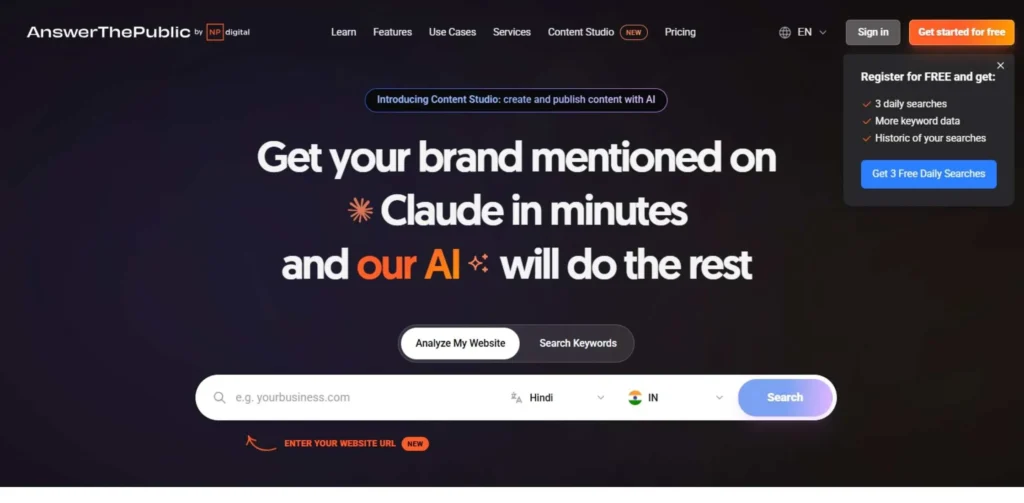
AnswerThePublic is a visual keyword and content ideation tool that visualizes the questions, prepositions and comparisons people are searching for on any subject. It extracts information from search engine autofill and displays them in an impressive visual format of “search listening” maps. It’s a great option for content creators and SEO specialists, converting raw search behavior into actionable blog, video and FAQ ideas for content that’s audience-first.
Key Features
- Search questions using images.
- Audiences discovery using autofill.
- Exportable data in csv and in image format.
Pros
- Extremely beginner-friendly interface
- It is affordable even to freelancers and startups.
- Identifies long tail and conversational keywords
Cons
- The data is limited to only auto complete suggestion.
- No more than 1000 users per day.
- Not as comprehensive as full-fledged SEO suites
Best For: Bloggers, SEO copywriters, and small business owners looking for quick, audience-driven content ideas on a budget.
Pricing
| Plan | Price | Features |
| Free | $0 | 3 searches/day |
| Individual | $9/month | Unlimited searches, alerts |
| Pro | $99/month | Multiple users, compare data |
| Expert | $199/month | Full API access, unlimited users |
Website: https://answerthepublic.com/
3. Semrush
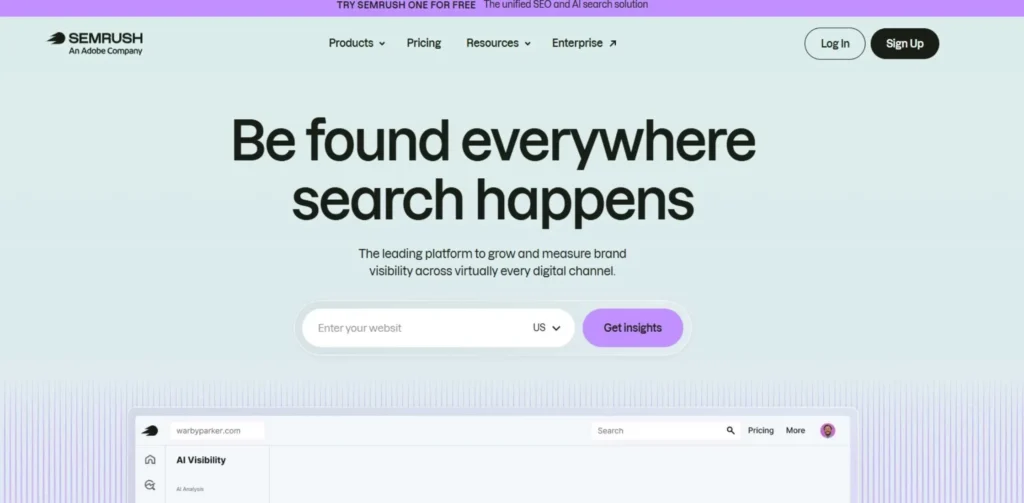
Semrush is a dependable, all-in-one digital marketing platform that’s trusted by more than 10 million digital marketers around the world. It is much more than a search engine optimization software; it also has strong content marketing features like topic research, SEO writing assistance, content audit and brand monitoring. Help teams plan, develop and optimise content to rank by using its Content Marketing Toolkit, from ideation to performance tracking. Semrush is the most comprehensive research platform available, with one of the largest sets of data on 140+ countries and 25 billion keywords.
Key Features
- Content Marketing Toolkit with topic research
- Link Gap Analysis and Keyword Opportunity Analysis.
- Content audit and performance optimization tools.
Pros
- The most complete keyword and competitor information.
- In-built content marketing system and SEO writer.
- Great for multi-channel campaign planning.
Cons
- May be confusing to novices
- Solopreneurs are restricted to higher costs.
- There are some data inaccuracies in smaller markets
Best For: Digital marketing agencies, SEO professionals, and growth-focused teams needing an end-to-end research and content strategy platform.
Pricing
| Plan | Price | Features |
| Pro | $139.95/month | 5 projects, 500 keywords |
| Guru | $249.95/month | 15 projects, content marketing tools |
| Business | $499.95/month | 40 projects, API access |
Website: https://semrush.com/
4. Ahrefs
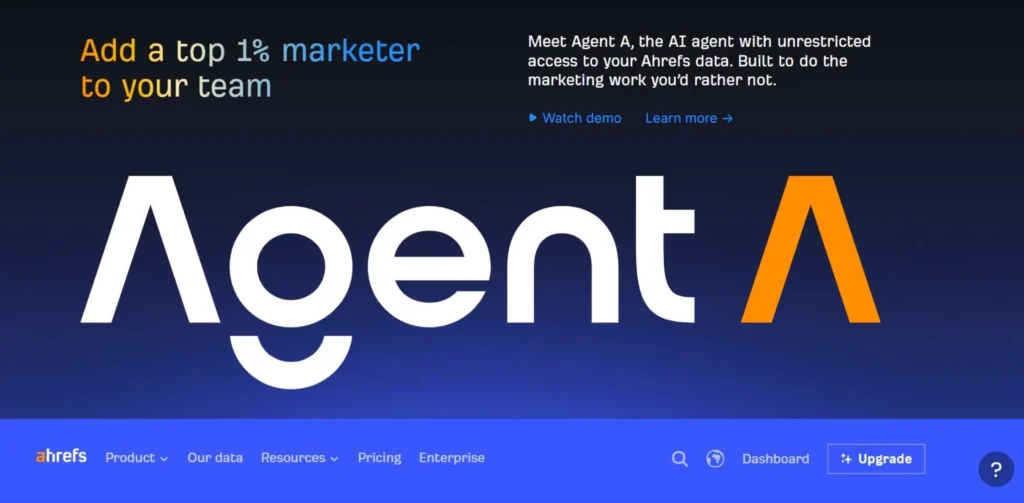
Ahrefs is a world-class SEO and content research tool that is known for its best-in-class backlink index and site explorer feature. Content marketers use it to discover which content is performing best in terms of organic reach, to peek under the hood of competitor content, to identify content gaps, and to monitor the ranks of keywords over time. With its Content Explorer alone it features more than 14 billion web pages allowing you to target successful and high traffic content opportunities. Ahrefs is an essential tool for serious SEO-influenced content workflows, globally.
Key Features
- The Content Explorer works with 14B+ indexed pages.
- State-of-the-art backlink analysis and tracking.
- To calculate the keywords difficulty and traffic potential.
Pros
- The industry’s most accurate backlink information.
- Outstanding keyword and traffic planners.
- Simple, easy-to-use interface for complex data
Cons
- Limited free tools: only a few free tools are provided.
- Costly for individuals or small groups
- While social media data is not their forte, it is not a deal breaker either.
Best For: SEO specialists, content strategists, and agencies who prioritize link-building, keyword research, and competitive content analysis.
Pricing
| Plan | Price | Features |
| Lite | $129/month | 1 user, 5 projects |
| Standard | $249/month | 1 user, 20 projects |
| Advanced | $449/month | 3 users, 50 projects |
| Enterprise | $1,499/month | Custom users and projects |
Website: https://ahrefs.com/
Content Creation & Writing
5. Grammarly
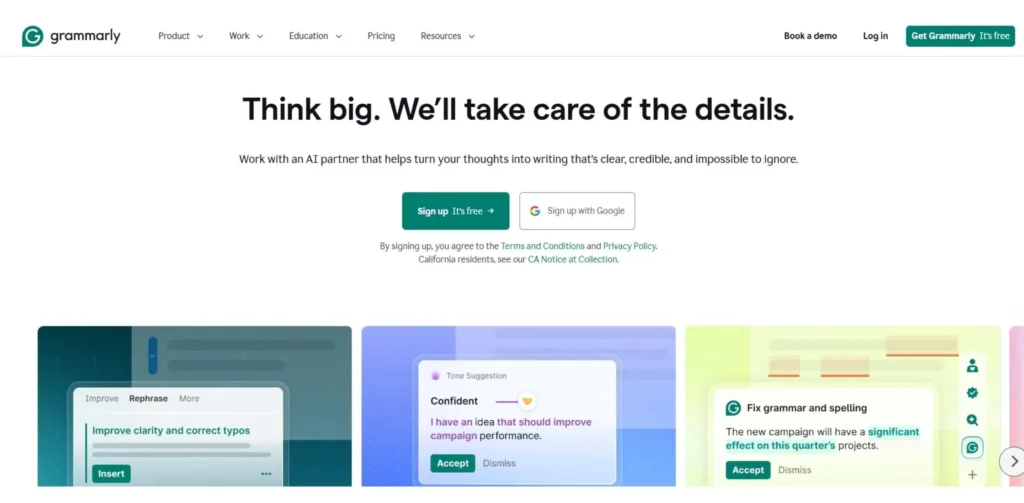
Grammarly is the world’s best AI writing tool that assists millions of users to write clearly, accurately and confidently. It has more than spell checking, grammar corrections, detection of tone, readability enhancement, and plagiarism checking. The browser extension and desktop application easily integrate into such tools as Google Docs, Notion, and email clients. In 2026, Grammarly’s generative AI features have expanded to offer full-sentence rewrites and style customization: making it indispensable for content teams of any size.
Key Features
- Instantaneous grammar and tone correction function.
- Rewrites and suggestions for text using Generative AI.
- Plagiarism checker, compare with web-wide.
Pros
- Applies to 500,000+ apps and websites
- Overall tone and clarity suggestions provide a large boost to readability
- A reasonable free tier for simple applications.
Cons
- Advanced AI is behind a pay plan.
- Occasionally over-corrects own style of writing
- While plagiarism tools are important, the one used by the plagiarism checker is not as comprehensive as Copyscape.
Best For: Writers, content marketers, and business professionals who want consistently polished, error-free content across all communication channels.
Pricing
| Plan | Price | Features |
| Free | $0 | Basic grammar and spelling |
| Pro | $12/month | Advanced suggestions, tone detection |
| Enterprise | Custom | Team analytics, admin controls |
Website: https://grammarly.com/
6. Jasper AI
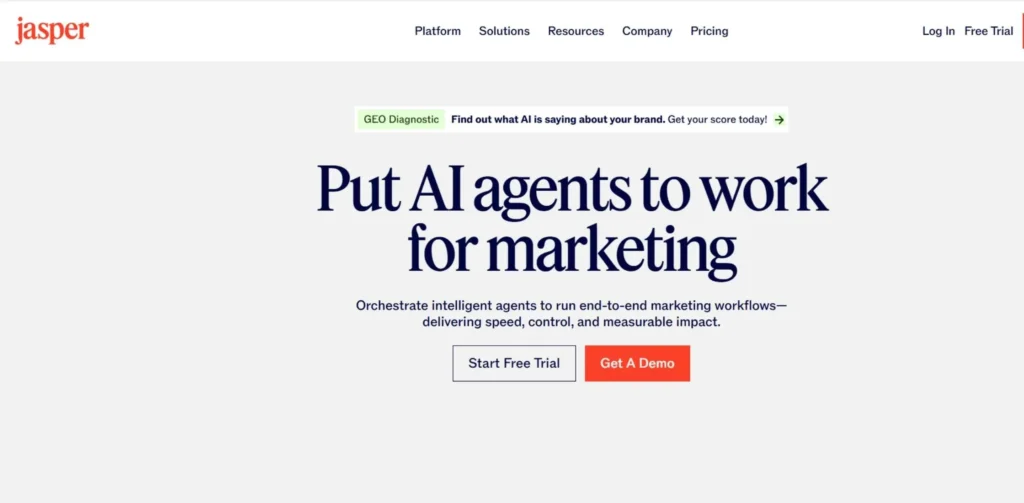
Jasper AI is among the finest AI writing solutions designed with marketing teams in mind. It enables brands to create long-form blog posts, ad copy, email campaigns, social media and product descriptions at scale: all of them are trained on best-in-class marketing frameworks. Jasper can replicate your brand voice, create campaigns, and has an integrated SEO mode with Surfer SEO to significantly cut down on your time to publish. It is the trusted choice of more than 100,000 teams around the world.
Key Features
- Training on Brand Voice to maintain a consistent tone.
- Content creation for blogs and campaigns, usually in long-form.
- Native Surfer SEO integration for optimization
Pros
- Great for scaling content production quickly
- Clear brand voice, Team Collaboration.
- Including a variety of templates for all content types
Cons
- All outputs need to be edited by human writers for accuracy.
- May cost a lot for small businesses
- Sustains phrases repetitively at times
Best For: Marketing teams and content agencies that need to produce high-volume, brand-consistent content quickly without sacrificing quality.
Pricing
| Plan | Price | Features |
| Creator | $49/month | 1 user, 1 brand voice |
| Pro | $69/month | 5 users, 3 brand voices |
| Business | Custom | Unlimited users, API access |
Website: https://jasper.ai/
7. Copy.ai
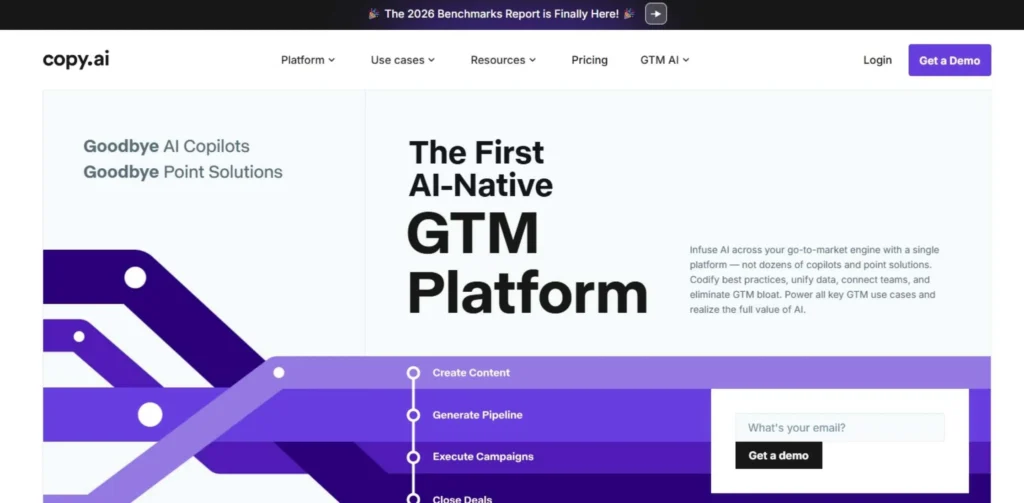
Copy.ai is an AI copywriting tool designed for marketers, entrepreneurs, and sales professionals to create engaging marketing content within just a few seconds. Whether you’re using Copy.ai for social media captions, email subject lines, landing page copy, or product descriptions, its advanced language models create conversion-focused content quickly. It features a user-friendly workflow builder and templates that are ready to use, which makes it one of the most accessible AI writing tools to use, even if you don’t have an extensive background in copywriting or marketing.
Key Features
- 90+ copywriting templates for all cases.
- AI-powered sales and marketing workflow builder
- Authored in 29 languages
Pros
- Easy to use with little learning curve.
- Generous free plan for individuals getting started
- Rapidly delivering short-form and ad copy.
Cons
- The quality of long-form output is variable.
- Not as well adapted to technical or nuanced writing
- Workflow builder can be a bit complicated at first.
Best For: Startups, e-commerce brands, and sales teams needing fast, persuasive marketing copy without the overhead of a full copywriting team.
Pricing
| Plan | Price | Features |
| Free | $0 | 2,000 words/month, 1 user |
| Starter | $49/month | Unlimited words, 1 user |
| Advanced | $249/month | 5 users, workflow automation |
| Enterprise | Custom | Unlimited users, dedicated support |
Website: https://copy.ai/
8. Writesonic
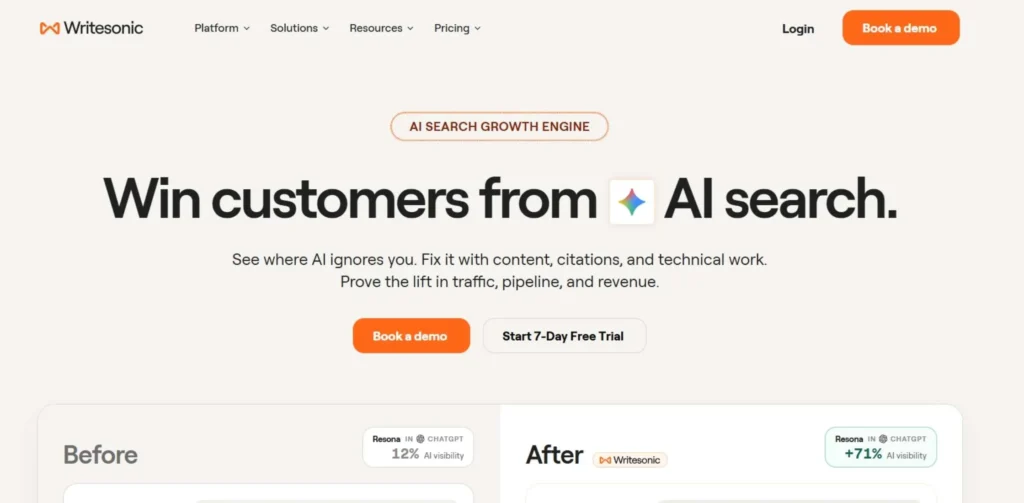
Writesonic is an AI-driven, all-in-one content platform featuring writing, SEO, and publishing tools. It’s best known for Chatsonic: its real-time AI assistant powered by live web data: and its ability to generate SEO-optimized articles, ads, landing pages, and product descriptions at scale. Adding to its impressive lineup for marketers who prioritize accuracy over speed, Writesonic has also upgraded its Botsonic chatbot builder and AI article writer by now generating factual and up-to-date content from the web.
Key Features
- Chatsonic with internet real-time browsing feature
- Giving the one-click SEO article writer with factual sourcing was a great idea.
- Botsonic is a no-code AI bot builder.
Pros
- Content is accurate with real-time web data.
- A price point that is appealing to those on a budget.
- A diversity of templates and use cases.
Cons
- There are various templates and the quality of output varies.
- Interface may seem too busy with all of its features.
- Service times might be lengthy.
Best For: Content marketers and SEO teams who need factual, real-time AI content at scale with built-in SEO capabilities and chatbot features.
Pricing
| Plan | Price | Features |
| Free | $0 | 10,000 words/month |
| Individual | $20/month | Unlimited words, 1 user |
| Standard | $99/month | 5 users, brand voice |
| Enterprise | Custom | API, dedicated onboarding |
Website: https://writesonic.com/
SEO Optimization
9. Surfer SEO
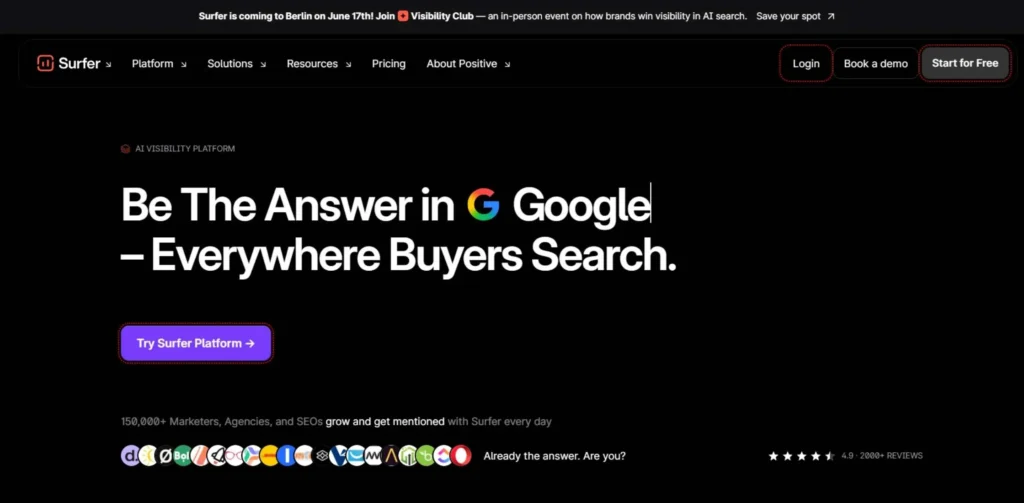
Surfer SEO is an based tool that shows you data on your content vs the top ranked pages for any keyword, and informs you what to add, remove or adjust in your content to achieve a higher rank. It has a Content Editor with an on-the-fly SEO score that takes into account headings, structure, NLP keyword usage, and more. It’s a full on-page SEO toolkit for content teams who want to be at the top of the search results, with Surfer’s Audit, Keyword Research, and SERP Analyzer features.
Key Features
- Content score in real-time using SERP analysis
- The NLP-based suggestions engine for keywords and topics.
- Content audit and performance optimization.
Pros
- Optimization hints and tips that are highly actionable and based on data.
- Easy integration with Google Docs and Jasper AI
- An excellent tool to enhance existing content.
Cons
- The recommendations for optimization can come across as too mechanical.
- High volume content teams add up pricing.
- The data for keywords is not as detailed as it is with Semrush/Ahrefs.
Best For: SEO content writers, in-house marketing teams, and agencies looking to systematically produce content that consistently ranks on Google.
Pricing
| Plan | Price | Features |
| Essential | $99/month | 30 articles/month, 1 user |
| Scale | $219/month | 100 articles/month, 3 users |
| Enterprise | Custom | Unlimited, dedicated support |
Website: https://surferseo.com/
10. Clearscope
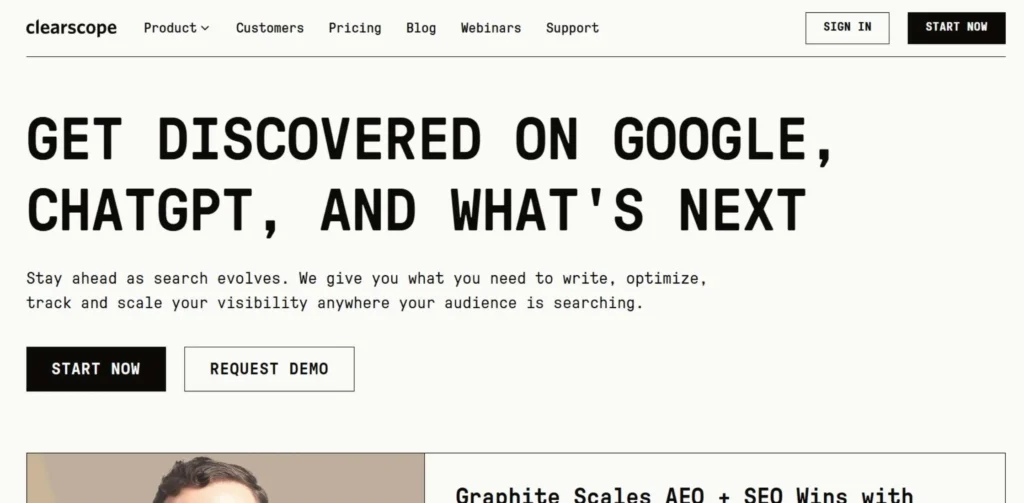
Powered by IBM Watson NLP, Clearscope is a high-quality content optimization platform trusted by content teams at top brands like Condé Nast, Adobe and Shopify. It assesses your content for relevance and comprehensiveness based on high-performing results for your target keyword on your SERP and recommends relevant terms, headers, and readability enhancements. For teams that value editorial excellence as well as SEO optimization, Clearscope seamlessly integrates with Google Docs and WordPress, ensuring it enhances a team’s existing content workflow.
Key Features
- IBM Watson NLP-powered Content Grading System.
- Consent to Google Doc integration, WordPress integration.
- Topic completeness competitor term analysis.
Pros
- Clean, distraction-free content editor interface
- The highly reliable keyword suggestions based on NLP.
- Perfect for helping writers meet content quality goals
Cons
- Some of the most costly of this type of bill
- Might not have conducted much keyword research.
- There are fewer templates and automation features than competitors.
Best For: Enterprise content teams and premium publishers who prioritize deep content quality, editorial standards, and comprehensive topical coverage.
Pricing
| Plan | Price | Features |
| Essentials | $189/month | 20 content reports/month |
| Business | $399/month | 50 reports, team access |
| Enterprise | Custom | Unlimited reports, API |
Website: https://clearscope.io/
Content Management & Scheduling
11. HubSpot
HubSpot is the world’s foremost inbound marketing and CRM platform with everything you need in one place, including content management, email marketing, social media, lead generation, and analytics. It has a CMS Hub that offers recommendations and A/B testing integrations to help users create, manage and optimize website content. Known as the gold standard for teams seeking to align their content strategy with their sales process and customer data all in one place, HubSpot has more than 184,000 customers worldwide.
Key Features
- The integrated CMS has the built-in SEO tools as well.
- Email marketing and automation toolset.
- Unified CRM, analytics and content dashboard.
Pros
- All in one platform minimises tool fragmentation.
- Best in class CRM / content integration
- A wealth of learning materials through HubSpot Academy.
Cons
- Professional and Enterprise plans come with a hefty price tag!
- Lots of learning curve for new marketing teams.
- Certain functions only work with their more expensive plans.
Best For: Mid-size to enterprise B2B companies that want a single platform connecting content marketing, CRM, lead nurturing, and sales enablement.
Pricing
| Plan | Price | Features |
| Free | $0 | CRM, basic forms, email |
| Starter | $20/month | Remove HubSpot branding |
| Professional | $890/month | Full marketing automation |
| Enterprise | $3,600/month | Custom objects, advanced reporting |
Website: https://hubspot.com/
12. CoSchedule
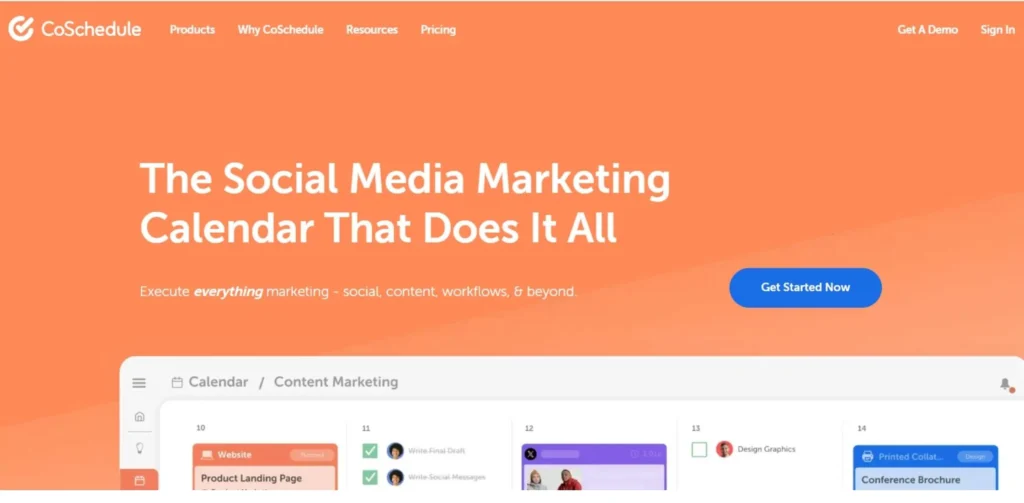
CoSchedule is a marketing work management platform created especially for content teams that require a panoramic view of the marketing calendar. Teams can collaborate all in one place with its Marketing Calendar, ReQueue and Headline Analyzer tools: plan campaigns, automatically reschedule top-performing social posts and write click-worthy headlines. Adopted by more than 30,000 marketers, CoSchedule allows you to put the chaos surrounding the scattered spreadsheets and Slack messages to rest and streamline content planning across all channels.
Key Features
- A single, unified visual marketing calendar for all channels.
- ReQueue: Auto-schedule top social content.
- AI-powered Headline Analyzer and optimization tool.
Pros
- A marketing calendar interface that’s easy to use and understand.
- Time is saved by ReQueue for social content recycling.
- Good integration with WordPress and social sites
Cons
- Full suite options are subject to custom pricing.
- Analytics and reporting aren’t as strong as HubSpot
- May be complex for small teams with simple workflows
Best For: Content teams, marketing managers, and agencies that need a centralized calendar to plan, coordinate, and publish content across multiple channels.
Pricing
| Plan | Price | Features |
| Free | $0 | 1 user, limited calendar |
| Social Calendar | $29/month | Unlimited social projects |
| Agency Calendar | $59/month | Client management tools |
| Marketing Suite | Custom | Full platform, team management |
Website: https://coschedule.com/
Social Media Distribution
13. Buffer
Buffer is a clean, simple, and reliable social media management tool, that creators, small businesses and marketing teams love. It lets you schedule and publish posts for Instagram, Facebook, Twitter/X, LinkedIn, Pinterest, and TikTok, complete with some optimal posting timing as well as an analytics dashboard and link-in-bio tool. It’s one of the simplest tools to get started with and offers clear pricing, which is why it’s a well-liked choice amongst both indie creators and growing brands.
Key Features
- AI-powered social media scheduling across platforms.
- Post performance analysis and feedback reports
- Additionally, it has a built-in Start Page link-in-bio tool.
Pros
- Very clean and simple to use user interface.
- Extremely economical, even on large channel volumes!
- Clear and up-front pricing, no hidden fees.
Cons
- Less advanced automation features than Hootsuite
- For lower-tier plans, analytics depth will be limited.
- Likewise, there is no social listening or monitoring tool.
Best For: Creators, small businesses, and lean marketing teams who want a simple, affordable, and reliable tool for scheduling social media content.
Pricing
| Plan | Price | Features |
| Free | $0 | 3 channels, 10 scheduled posts |
| Essentials | $6/month | 1 user, unlimited scheduling |
| Team | $12/month | Unlimited users and channels |
| Agency | $120/month | 10 clients, team workflows |
Website: https://buffer.com/
14. Hootsuite
One of the most popular and powerful social media management platforms around the globe, Hootsuite handles more than 35 social networks, including LinkedIn, Instagram, TikTok, YouTube, Pinterest and more. It goes beyond scheduling to offer social listening, ad management, employee advocacy, and team collaboration features: all from a single enterprise-grade dashboard. Hootsuite is designed for marketing teams that manage multiple brands on social media at scale, offering AI-powered caption generation and best-time-to-post recommendations as well as powerful analytics.
Key Features
- Supports 35+ social networks in one dashboard
- Social listening and brand monitoring streams
- Automatic captioning, with the best timing suggestions.
Pros
- A wide range of platform and features are available the most comprehensive.
- Social listening is very valuable for real-time brand sentiment tracking.
- Profound team workflows and approval process.
Cons
- The price is much more expensive than other competitors.
- New users find Interface dated and overwhelming.
- The quality of customer support has been decreasing in recent years.
Best For: Mid-size to enterprise brands and agencies managing multiple social accounts, teams, and campaigns across many platforms simultaneously.
Pricing
| Plan | Price | Features |
| Professional | $99/month | 1 user, 10 social accounts |
| Team | $249/month | 3 users, 20 accounts |
| Enterprise | Custom | Unlimited users, advanced analytics |
Website: https://hootsuite.com/
Analytics & Performance Tracking
15. Google Analytics
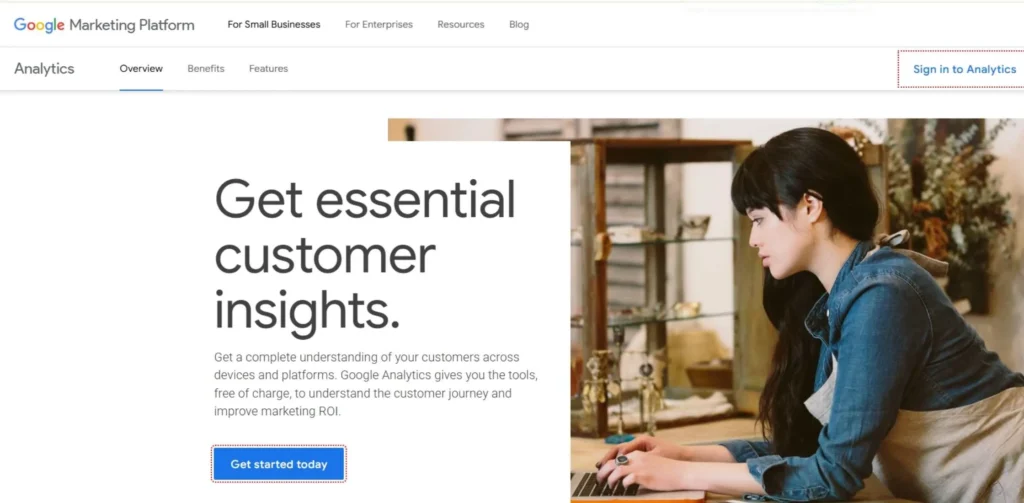
Google Analytics (GA4) is the leading analytics service tool, providing comprehensive insights into how users discover, engage with and convert your content. GA4 provides content marketers with insights into which pages generate the most traffic, where users are bouncing, how blog posts are helping them generate leads, and which content sources are most effective for ROI. It’s free for most use cases and integrates seamlessly with Google Search Console, Google Ads, and BigQuery, making it the backbone of analytics for any content marketing strategy in 2026.
Key Features
- Evaluation of the content and the user path.
- Getting attribution and conversion across channels.
- Native integration with Google Search Console and Ads.
Pros
- For most applications, totally free.
- Most powerful content and traffic reporting available
- The ability to seamlessly integrate with the entire Google ecosystem.
Cons
- For long-term users of UA, GA4 migration has been a complicated process.
- A high learning curve with advanced reporting.
- With high traffic free accounts, there is data sampling challenge.
Best For: Every content marketer: from solo bloggers to enterprise teams: who needs to understand how their content performs and make data-driven decisions.
Pricing
| Plan | Price | Features |
| Free (GA4) | $0 | Full analytics, up to 10M hits/month |
| Google Analytics 360 | $50,000+/year | Enterprise SLA, BigQuery export |
Website: https://analytics.google.com/
How to Choose the Right Content Marketing Tool
- Balance the tool’s depth with your team’s technical proficiency: If your team is proficient in the use of advanced platforms such as Semrush or HubSpot, then it makes more sense to have them use them, as they will generate more ROI.
- Look for tools that play nicely with your current technology: A tool that integrates with your CMS, CRM and social channels will save you hours per week and minimize friction.
- Think beyond the subscription: Take into account onboarding time, training, add-ons, and lost time with changing tools during the workflow.
- Try a free trial and test on a real project instead of demos: It’s the only way you can find out where you’re falling short when you’re using it in real life, during a content sprint.
Free vs Paid Tools: Which One Is Better?
The straight answer—it depends on your stage and your goals. If you’re a solo creator or start-up business, the free features of tools such as Google Analytics, Grammarly, AnswerThePublic, Buffer and more can get you started without costing a single penny. These are REAL tools, not watered down demos.
As your content operation expands, however, you’ll get more from paid tools than they can offer free: access to granularer keyword information, team collaboration, automation workflows, and sophisticated analytics that free tools can’t compete with. The danger is not spending on tools, it’s spending the wrong tools. A platform that helps you make measurable results is always better than a platform that doesn’t.
Benefits of Using Content Marketing Tools
- Accelerates content creation at a higher quality standard: AI writing and optimization tools reduce weeks of effort to hours.
- Makes informed decisions rather than expensive guesses through trial and error: Analytics and SEO data tell you what your audience is truly interested in reading.
- Maintains a consistent brand voice and quality across all content channels: Brand voice is integrated into writing tools for consistent messaging and tone at scale.
- Lets a small team punch above its size in a competitive market: A proper setup allows a 2 player team to be the better team than a 10 player team without team tools.
- Shows actual ROI and directly correlates content activities to business results: Attribution tools can track individual blog posts to leads, sign-ups, and revenue, directly.
Common Mistakes to Avoid
- Purchasing unnecessary tools that cause team confusion: Conduct quarterly audits and get rid of the redundant tools that quietly devour your budget.
- Instead of using feature lists or tool capabilities as the selection criteria, select tools by what they will do for you: If a tool has 100 features that you will never use, it is worse than one that has 10 features that you will use.
- Expecting results from day one: To see results, most power users need to invest 2–4 weeks to get proficient with a platform before the fruits of their labor begin to benefit.
- Waiting to use analytics tools until after the content strategy has failed: Track content before it’s too late, not after months of lost data.
- Changing tools too quickly before a proper testing period: Most content tools require 60-90 days of regular use to be able to measure ROI.
Future of Content Marketing Tools (2026 Trends)
Content marketing tools are changing at a rapid pace. The trends that will set the tone for the category in 2026 are the following:
- AI-Native Workflows: It’s no longer about having an AI feature; it’s about an AI foundation. Companies such as Jasper and Writesonic are taking the concept of content generation ‘beyond the stage of writing with AI’ and are now delivering fully automated content pipelines that research, draft, optimize, and publish content with little to no human effort.
- Predictive Content Intelligence: Platforms are also adopting predictive analytics to determine trends that will be popular before they have reached their peak, and that means that those who get there first will have a huge advantage in terms of obtaining organic traffic.
- Personalization at Scale: Content tools are getting smarter and smarter, and increasingly are becoming integrated with CRM data to dynamically personalize content, from static pages to full adaptive content experiences.
- Multimodal Content Creation: The tools for text, image, video and audio are converging. You’ll find consistent platforms which enable marketers to create a comprehensive range of content from one brief.
- Zero-Click Content Optimization: AI-powered search overviews are taking over the top of SERPs, and SEO tools are evolving from clicks to visibility.
Conclusion
The right content marketing tools aren’t just about saving time—they can fundamentally transform the possibilities of your team. Each of these tools in this list tackles a specific challenge in your content workflow, from finding untapped content opportunities with BuzzSumo and Ahrefs, scaling with Jasper AI, optimizing rankings with Surfer SEO, and tracking ROI with Google Analytics. The secret is to create a focused and integrated stack that fits your goals, not that it bends your budget and/or your team.
Begin with the tools that help you with your most aggravating issue right now. Measure results. Then expand strategically. In 2026, the brands that succeed at content marketing won’t be the ones with the biggest staffs—they’ll be the smartest “stacks”.
FAQs
What is the best all-in-one content marketing tool for small businesses in 2026?
With HubSpot’s free CRM, and Buffer for social scheduling, small businesses can build a great foundation for their content marketing without breaking the bank.
Do I need to pay for content marketing tools, or are free tools enough for beginners?
While Google Analytics, Grammarly, and AnswerThePublic are all great tools that are free to use, they aren’t quite powerful enough for some people at the early stages of their work, and then, they need to scale, get more detailed data, or collaborate with others.
How many content marketing tools should a typical marketing team be using at once?
The key is quality and integration, not quantity—in most high-performing content teams, 4-6 tools are used to research, write, optimize for SEO, schedule, and analyze content.
How do AI-powered content marketing tools affect the quality of content I publish?
While AI can significantly accelerate production and boost SEO optimisation, there’s a human touch that is crucial: AI does the typing, you do the editing for SEO alignment, originality, and brand voice.