

As Skype officially retires in May 2025, millions of Skype users around the world are now trying to find out the most effective Skype alternative in order to keep in touch. Crystal-clear video conferencing during business meetings, cheap international calling, or just a decent way to use chat applications to stay in touch with family and friends, the good news is that 2026 has a well-stocked arsenal of powerful choices.
With AI-based collaboration platforms, such as Microsoft Teams and Zoom Workplace, as well as apps with privacy first in mind, such as Signal and Telegram, the choices are more than ever. This ultimate list of Skype alternatives lists the 12 best Skype alternatives for 2026 out there in the world today – in fact, this list will give you a Skype alternative that works perfectly with your personal, business, and international communication requirements.
Why People Are Switching from Skype
- Skype was finally closed: in May 2025, millions of users were forced to desperately seek alternatives.
- Worse AI: other competitor functionality includes smarter meeting summaries, transcripts, and noise cancellation.
- More robust security: most of the current alternatives have no end-to-end encryption standard.
- More integrations: applications such as Slack and Teams integrate with hundreds of business applications.
- Best mobile experience: new applications are more reliable, faster and smoother on mobile.
- Lower competitive pricing: several options have generous free plans that have significantly fewer restrictions.
Best Skype Alternatives 2026 — Comparison Table
| Name | Best For | Free Plan | International Calls | Platform |
| Microsoft Teams | Enterprises | Yes | Yes | Windows, Mac, Android, iOS |
| Zoom Workplace | Video Meetings | Yes (40-min limit) | Yes | Windows, Mac, Android, iOS |
| Google Meet | Google Users | Yes | Yes | Web, Android, iOS |
| Personal Calling | Yes | Yes | Android, iOS, Windows, Mac | |
| Discord | Communities | Yes | Yes | Windows, Mac, Android, iOS |
| Slack | Team Collaboration | Yes | No | Windows, Mac, Android, iOS |
| Cisco Webex | Enterprises | Yes | Yes | Windows, Mac, Android, iOS |
| Viber | International Calls | Yes | Yes (paid rates) | Android, iOS, Windows, Mac |
| Telegram | Large Communities | Yes | Yes | Windows, Mac, Android, iOS |
| Jitsi Meet | Anonymous Calls | Fully Free | Yes | Web, Windows, Mac, Mobile |
| GoTo Meeting | Business Conferencing | Limited | Yes | Windows, Mac, Android, iOS |
| Signal | Secure Messaging | Yes | Yes | Windows, Mac, Android, iOS |
Top 12 Skype Alternatives (Detailed List 2026)
1. Microsoft Teams
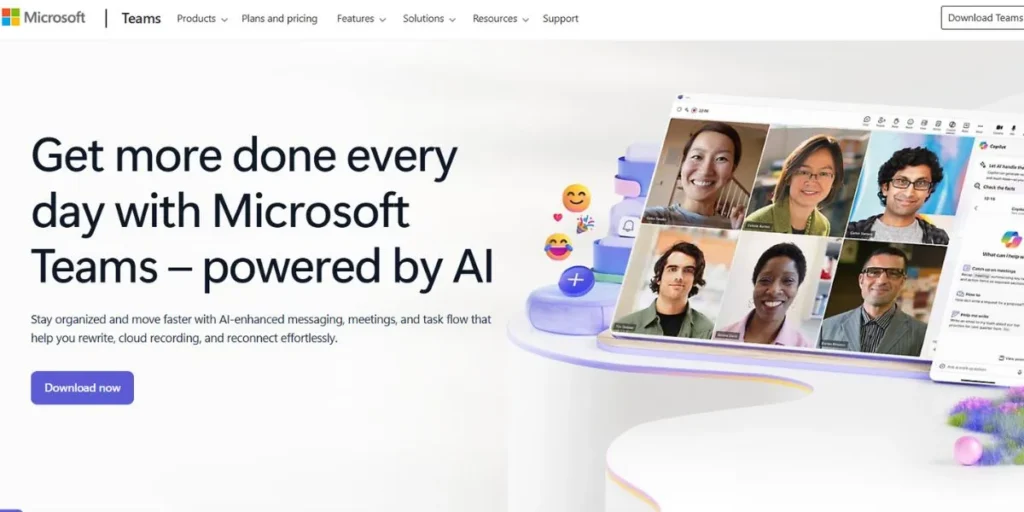
Microsoft Teams, as the official successor to Skype, is a powerful collaboration platform that integrates persistent chat, video conferences, and document co-authoring into a single workspace. It is created to become the main communication platform to both large and small teams and it is much more secure and has much more advanced meeting capabilities than its predecessor. It has been the default standard with major 2025-2026 updates and smarter AI tools, a redesigned interface, and so on, needed by organizations that require a secure.
Key Features:
- Microsoft 365 integration
- Real-time co-authoring
- AI-powered meeting summaries
- Large-scale live events
Pros:
- Deep ecosystem integration
- Advanced security compliance
- Strong admin controls
- Unified communication hub
Cons:
- Steep learning curve
- High resource consumption
- Complex for individuals
- Expensive premium tiers
Best For: Enterprises and Microsoft users
Pricing: Free; paid from Rs. 115/user/month
Available for: Windows, Mac, Android, iOS
Website: https://www.microsoft.com/en-in/microsoft-teams/group-chat-software
App Link: https://play.google.com/store/apps/details?id=com.microsoft.teams
2. Zoom Workplace
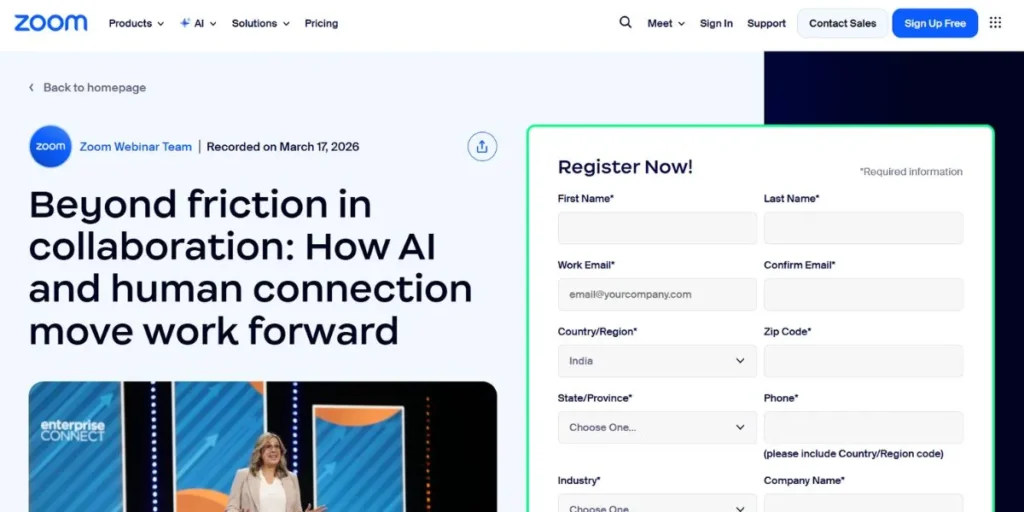
Zoom Workplace has developed far beyond a mere video calling application into an all-in-one AI-controlled collaboration platform that has become a reliable video conferencing solution of choice. It is also known to be a favorite of the so-called click-to-join simplicity, which allows huge meetings and webinars with such features as breakout rooms and real-time translation. The AI Companion is currently working on meeting summaries and proposing the next steps, becoming the favorite of companies that follow the video-first communication model and provide high-quality remote interaction with clients and teams across the world.
Key Features:
- AI-powered meeting summaries
- Breakout room functionality
- Virtual whiteboard collaboration
- Translated meeting captions
Pros:
- Excellent video quality
- User-friendly simple interface
- Supports large groups
- Reliable low-bandwidth performance
Cons:
- 40-minute free limit
- Privacy history concerns
- Expensive for enterprises
- Occasional audio glitches
Best For: Webinars and large meetings
Pricing: Free; paid from $13.33/month
Available for: Windows, Mac, Android, iOS
Website: https://www.zoom.com/
App Link: https://play.google.com/store/apps/details?id=us.zoom.videomeetings
3. Google Meet
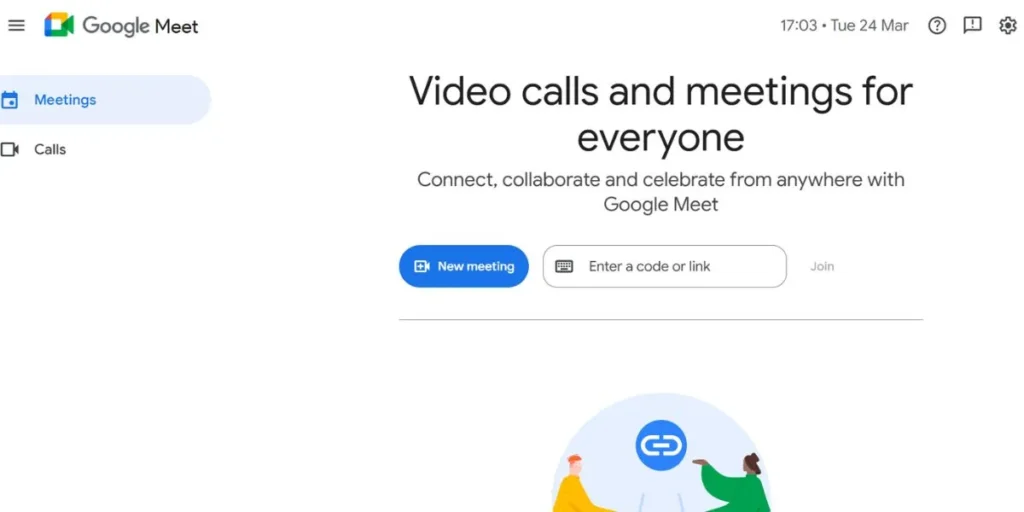
Google meet is a lightweight and browser based video conferencing platform with no requirement of any software download, which is very user friendly to external clients and first time users. It is closely linked with Google Workspace, and one can even make a single-click call (through Gmail or Google Calendar). The platform has also brought new state-of-the-art AI technology such as smart noise cancellation and real-time speech translation, continuing to earn a reputation of reliability and convenience in personal and work-life globally.
Key Features:
- Google Workspace integration
- Direct browser-based access
- Real-time multi-language captions
- Live YouTube streaming
Pros:
- No installation required
- Very fast setup
- High security standards
- Stable on low networks
Cons:
- 60-minute free limit
- Fewer advanced tools
- Requires Google account
- Occasional browser freezing
Best For: Google Workspace teams
Pricing: Free; paid from $6/user/month
Available for: Web, Android, iOS
Website: https://meet.google.com/
App Link: https://play.google.com/store/apps/details?id=com.google.android.apps.tachyon
4. WhatsApp
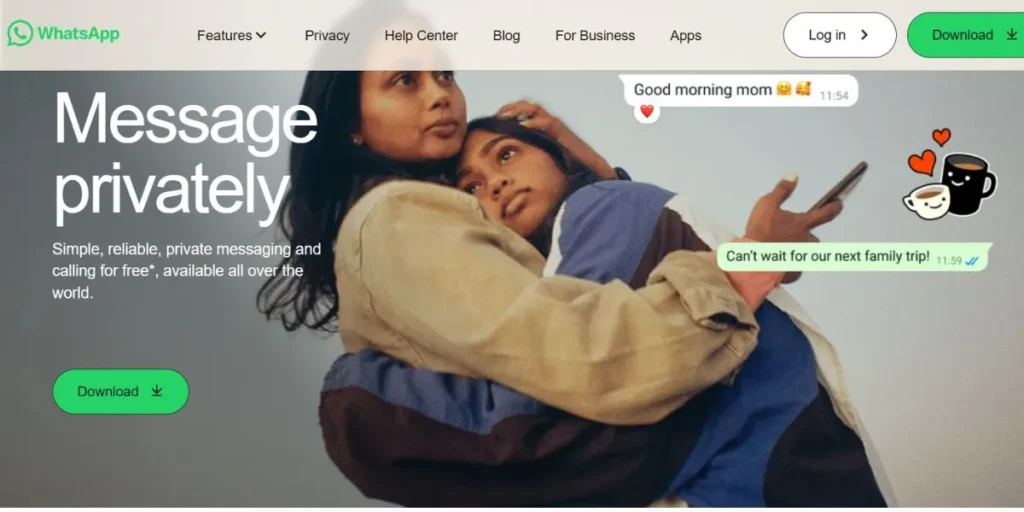
WhatsApp is the most popular messaging application in the world, which is a basic and completely encrypted alternative to personal and small group communication. It enables the use of high-quality voice and video calls with a maximum of 32 participants, and it is very popular due to direct-call, which does not need any meeting links or schedules.
Its committed business edition also provides such features as automatic replies and a product directory that make it an affordable and convenient tool in micro-businesses that are stepping out of Skype alternatives to meet their daily communication requirements.
Key Features:
- End-to-end call encryption
- 32-participant video calls
- Cross-platform group chats
- Web and Desktop app syncing
Pros:
- Completely free service
- Massive global reach
- Intuitive, familiar interface
- Works on low bandwidth
Cons:
- Requires phone number
- Lacks professional tools
- Limited participant count
- Limited screen sharing
Best For: Casual global communication
Pricing: Free to use
Available for: Android, iOS, Windows, Mac
Website: https://www.whatsapp.com/
App Link: https://play.google.com/store/apps/details?id=com.whatsapp
5. Discord

Discord has managed to transform itself into a general purpose community as well as game-oriented tool that is now befitting creative teams, tech startups, and online communities, as well. It is based on a special server model as the user can hop into the persistent voice and video with no scheduling.
This loosely structured design creates a more natural and very collaborative experience in comparison to a traditional video tool, with unlimited call durations, in-built bot automation that makes managing the community and coordinating teams a lot easier in a remote-first organization.
Key Features:
- Persistent voice channels
- Unlimited call duration
- Server-side automation bots
- Community-based server structure
Pros:
- Free basic features
- Lag-free video calls
- Strong community tools
- High-quality screen sharing
Cons:
- Casual, unprofessional vibe
- Complex for beginners
- Limited file sharing
- No business integrations
Best For: Creative communities and startups
Pricing: Free; Nitro from $2.99/month
Available for: Windows, Mac, Android, iOS
Website: https://discord.com/
App Link: https://play.google.com/store/apps/details?id=com.discord
6. Slack
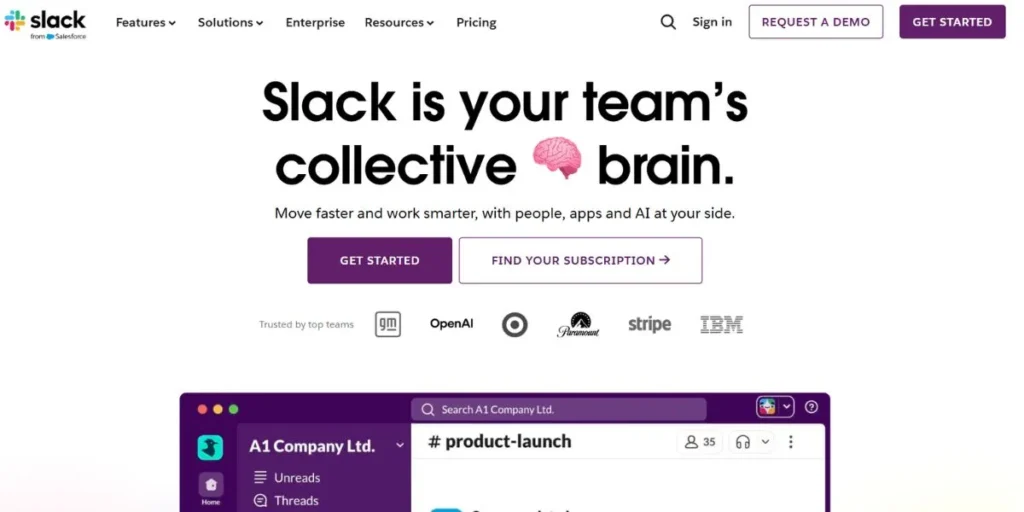
Slack is among the most popular teamwork tools at the moment, structuring all the communications into a well-structured set of searchable channels that helps to structure conversations and make them more easy to use. Although it is mostly utilized within text messaging, it has the option of Huddles in which an instant audio and video conversation can be held without having to organize an independent meeting.
Equipped with a colossal database of third-party integrations, Slack is an all-purpose command center where organizations can balance the simultaneous control of projects, file sharing, and real-time communication which makes it one of the most prolific Skype substitutes in the present-day business environment.
Key Features:
- Topic-based communication channels
- Instant Huddle calling
- Extensive app integrations
- AI-powered message summaries
Pros:
- Organizes complex workflows
- Quick file sharing
- User-friendly modern UI
- Secure team environment
Cons:
- Limited video features
- Message history limits on free plan
- Expensive for enterprises
- Notification overload potential
Best For: Team workflow collaboration
Pricing: Free; paid from $7.25/user/month
Available for: Windows, Mac, Android, iOS
Website: https://slack.com/intl/en-in/
App Link: https://play.google.com/store/apps/details?id=com.Slack
7. Cisco Webex
Webex is a company-tier communication system that has achieved fame due to its highest industry level of security and meeting functionalities that are artificial intelligence-based. It has specialized in the hybrid work setting where it provides an easy-to-integrate experience with Cisco physical meeting room hardware to companies that have dedicated conference rooms.
Fit for features such as AI-driven background noise remover and real-time transcription, it is a high-quality option in large organizations and highly regulated industries – including healthcare and finance – and will have the most reliable and professional-standard communications tools in all Skype alternatives in 2026.
Key Features:
- AI background noise removal
- Real-time call translation
- Advanced host controls
- Industry-leading security protocols
Pros:
- Superior meeting security
- High-definition video and audio
- Strong admin dashboard
- Unified collaborative tools
Cons:
- Complex user interface
- High-end equipment often required
- Expensive premium plans
- Occasional software glitches
Best For: Large enterprise security
Pricing: Free; paid from $12/month
Available for: Windows, Mac, Android, iOS
Website: https://www.webex.com/
App Link: https://play.google.com/store/apps/details?id=com.cisco.webex.meetings
8. Viber
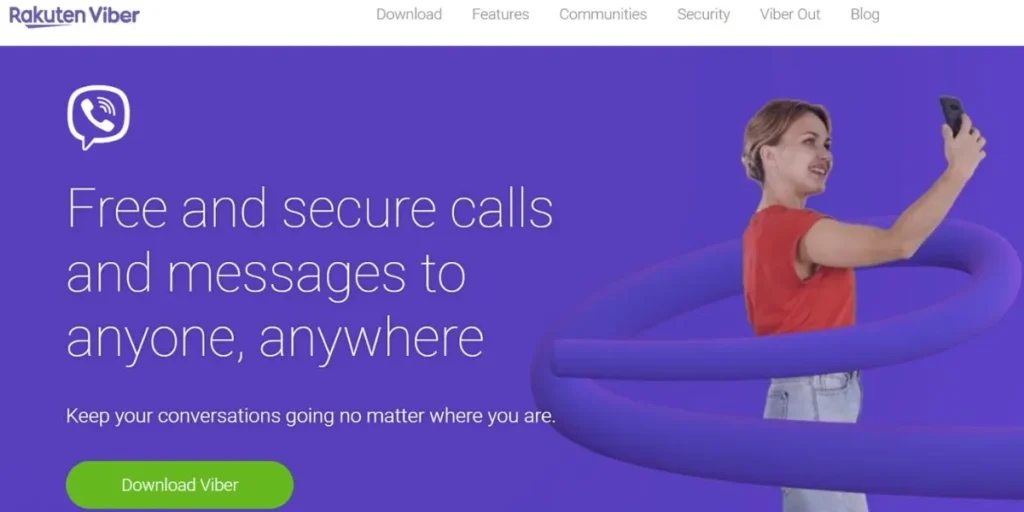
Viber is also a multipurpose alternative of communication, especially among people who mostly used Skype to make cheap international calls to landlines and mobile phones. Through its Viber Out service, it has offered competitive rates of making calls to non-app users worldwide, without the necessity of having to spend on international calling plans.
Also, Viber offers totally free encrypted app-to-app voice and video calls, and group messaging, which makes it a safe and cost-effective option as well as an advantageous and feature-rich one, including personal use and micro-businesses that need to communicate internationally.
Key Features:
- Affordable international calling
- End-to-end call encryption
- Support for large groups
- Cross-platform message syncing
Pros:
- Free app-to-app calls
- Broad device compatibility
- High-quality voice calls
- User-friendly mobile interface
Cons:
- Intrusive in-app advertisements
- Requires smartphone registration
- Limited business tools
- No project management features
Best For: International personal calls
Pricing: Free; variable international call rates
Available for: Android, iOS, Windows, Mac
Website: https://www.viber.com/en/
App Link: https://play.google.com/store/apps/details?id=com.viber.voip
9. Telegram
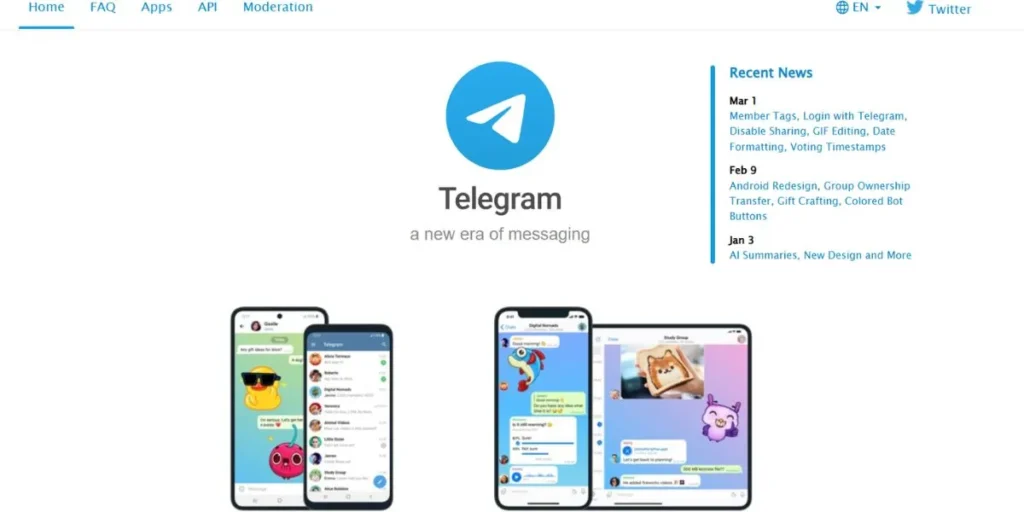
Telegram is a fast, web-based, messaging app that lays a lot of emphasis on privacy, flexibility, and communication between large groups of people. It facilitates video calls which are encrypted and can support huge group chat with up to 200,000 members, something none of the other mainstream messaging apps can even fathom.
It is more popular among users seeking a more customizable, flexible and privacy-conscious alternative to mainstream communication platforms that have substituted Skype because of its speed, unlimited file sharing, and powerful open-source bot API.
Key Features:
- Massive group video calls
- Cloud-based file storage
- No file-size sharing limits
- Open-source API bots
Pros:
- Fast, secure messaging
- Strong privacy controls
- Zero-cost basic version
- Multi-device cloud sync
Cons:
- No default end-to-end encryption
- Requires phone number
- Limited professional integrations
- Public channel noise
Best For: Privacy-focused large communities
Pricing: Free to use
Available for: Windows, Mac, Android, iOS
Website: https://telegram.org/
App Link: https://play.google.com/store/apps/details?id=org.telegram.messenger
10. Jitsi Meet
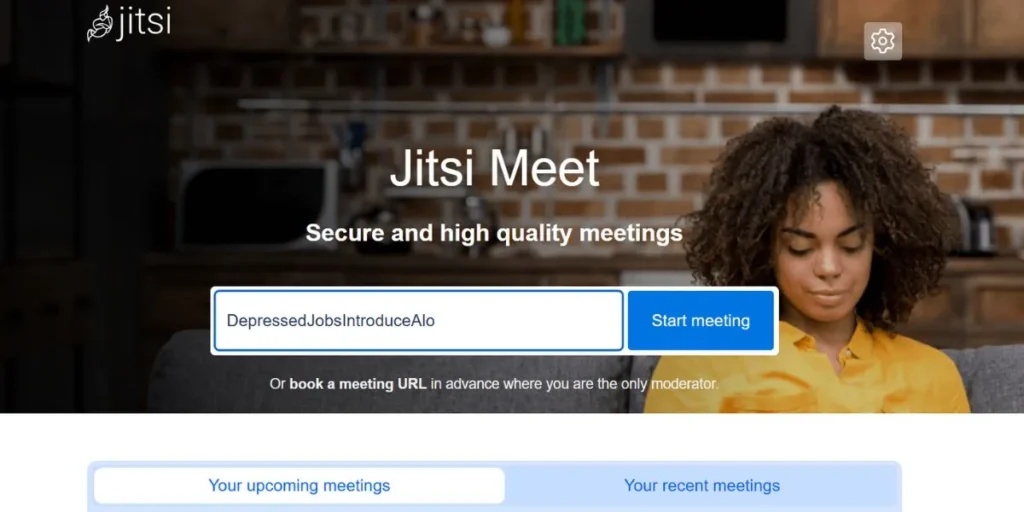
Jitsi Meet is an entirely free and fully open-source video conferencing software which prioritizes transparency, accessibility, and user privacy. It enables any person to initiate safe video conferences in their web browser without the need to create an account or install software at all.
This hassle-free frictionless instant methodology makes it the most appropriate answer to users who desire to establish unlimited length of calls with a high degree of confidentiality and 100 percent registration free-of-cost that is genuinely accessible in 2026 as one of the most accessible Skype substitutes.
Key Features:
- Open-source secure platform
- No account registration needed
- Unlimited meeting duration
- Secure browser-based calling
Pros:
- Completely free usage
- No call time limits
- High privacy standards
- Instant setup and entry
Cons:
- Very basic interface
- Poor technical support
- Fewer collaboration tools
- Mobile app limitations
Best For: Secure, anonymous calls
Pricing: Fully free
Available for: Web, Windows, Mac, Mobile
Website: https://meet.jit.si/
App Link: https://play.google.com/store/apps/details?id=org.jitsi.meet
11. GoTo Meeting
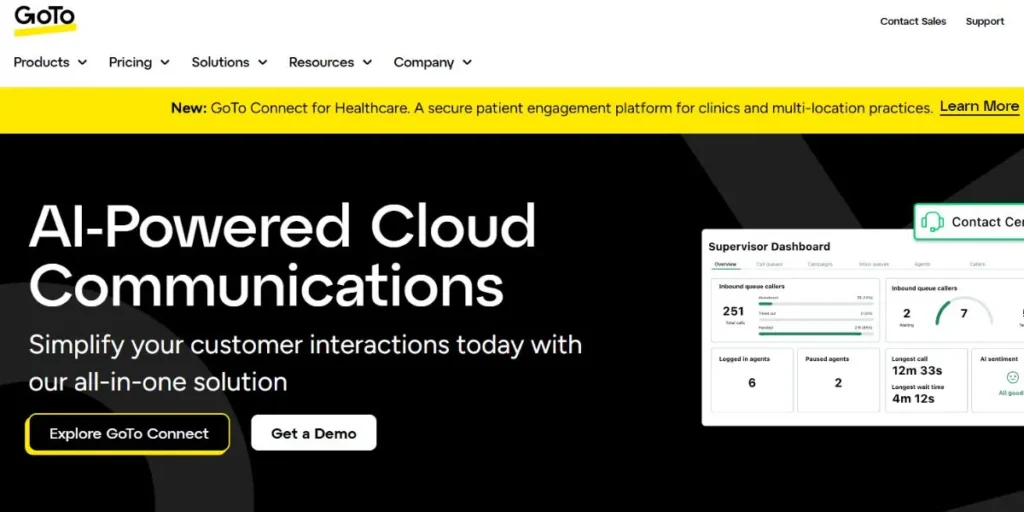
GoTo meeting is a corporate level communication system that is generally used in highly reliable communication of businesses in conferencing, corporate webinars and presentation of a formal client. It has specialized features such as on-screen drawing features, the use of AI to create transcripts of meetings, and the host security controls which are suitable to the professional world.
Although it is more formal in its implementation than other applications in this list, its constant emphasis on HD video quality and platform stability akin to that of an enterprise makes it a very reliable and refined Skype substitute in organizations where regular important meetings with external parties need to take place.
Key Features:
- Screen drawing tools
- AI meeting transcripts
- One-click meeting access
- Business-grade security
Pros:
- High video and audio quality
- Very reliable platform
- Good webinar features
- Easy host controls
Cons:
- Limited free version
- Relatively expensive plans
- Lacks informal chat features
- Few app integrations
Best For: Professional online conferencing
Pricing: Paid from $12/month
Available for: Windows, Mac, Android, iOS
Website: https://www.goto.com/
App Link: https://play.google.com/store/apps/details?id=com.logmein.gotoconnect
12. Signal
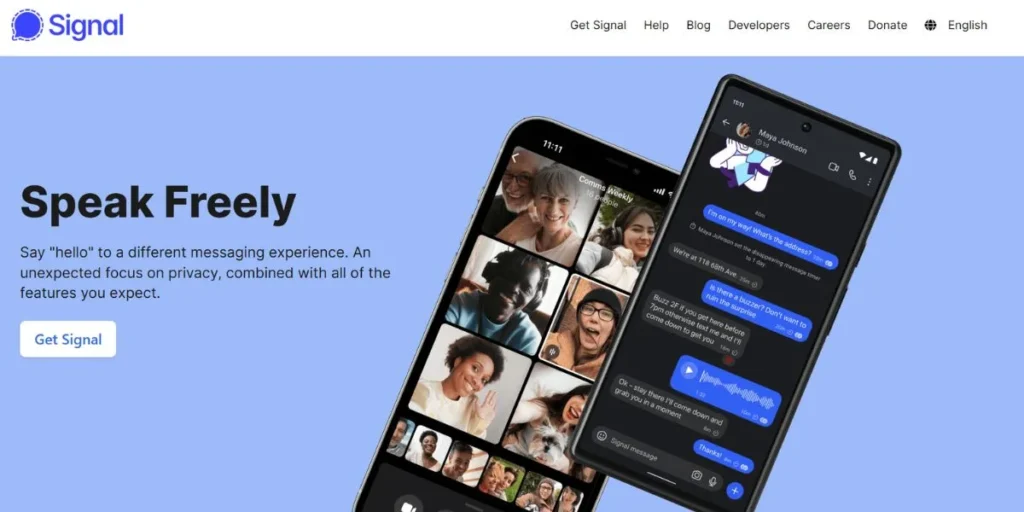
Signal is generally appreciated as the most secure and private communication application, and it is regularly promoted by privacy activists, journalists, and cybersecurity specialists worldwide. It also offers default end-to-end encrypted voice and video communications to all users and does not store and monitor user information to perform advertising.
Although it does not provide advanced business collaboration features, its uncompromising respect to user privacy and security makes it the undisputed best option to anyone who requires a straightforward, reliable, and entirely personal option to sensitive personal or professional discussions, which places it squarely at the top of the rank of Skype alternatives in 2026.
Key Features:
- Default end-to-end encryption
- Open-source security protocol
- Private group calls
- Encrypted file sharing
Pros:
- Maximum privacy protection
- Completely free usage
- No data tracking
- Clean, ad-free interface
Cons:
- Requires phone number
- No business integrations
- Smaller user base
- Limited group sizes
Best For: Private, secure messaging
Pricing: Free to use
Available for: Windows, Mac, Android, iOS
Website: https://signal.org/
App Link: https://play.google.com/store/apps/details?id=org.thoughtcrime.securesms
Best Skype Alternatives for Personal Use
- WhatsApp: is the most suitable choice in terms of personal usage as it allows people to make free encrypted calls to any person in the world without any complications.
- Viber: is an excellent application to make personal international calls, and their rates are rather low to call non-users of the app all over the world.
- Signal: is aimed at privacy-conscious individual users and they desire not to have their data tracked at all, and they desire top security at all times.
- Telegram: is efficient in personal grouping conversation, as well as serving huge communities utilizing unlimited file sharing.
- Google Meet: It is an easy to use personal platform that does not need any downloads and can be used in any web browser.
Best Skype Alternatives for Business
- Microsoft Teams: the best business option provides a robust integration of Microsoft 365 and effective administrator controls.
- Zoom Workplace: ideal in business video meetings, is well-performing with AI-driven summaries.
- Cisco WebEx: is applicable to large organizations that require the industry best security and professional hybrid meeting solutions.
- Slack: is best suited to business teamwork, ensuring that communication between the team is ordered with well-defined channels.
- GoTo Meeting: GoTo meeting is suitable for formal corporate presentations, webinars, and conferences of great importance to the client.
Best Free Skype Alternatives
- Jitsi Meet: is the most truly free and does not require accounts, time constraints, or miscellaneous fees.
- Signal: contains no advertisements and no premium option to any of its communication services.
- Google Meet: has a decent free version with a high-quality video and does not require the installation of software at all.
- WhatsApp: It is a free application that can be downloaded and utilized anywhere in the world since both voice and video calls are completely free.
- Telegram: is a full-fledged messaging and calling platform that has very generous features on a free plan.
Best Skype Alternatives for International Calls
- Viber out: has one of the cheapest rates in calling international landlines and mobile numbers.
- WhatsApp: allows totally free app to app international calls, either on Wi-Fi or mobile data all over the world.
- Google Meet: the application promotes free international video calling with easy Google Workspace integration.
- Telegram: supports voice and video calls with high privacy and cloud synchronization capabilities to users all over the world.
- Zoom: Zoom can facilitate global conferences and has multilingual translated captions that can be used by multilingual international teams.
How to Choose the Right Skype Alternative
- Identify your main use case: determine whether you require video meetings, team chat, international calling, or all of them.
- Take into account the size of your team: certain platforms are more efficient when you work with small teams and others work with thousands of individuals.
- Integration requirements: you should select a tool that integrates with the software that your team should use on a daily basis.
- Test your budget: do not engage in any paid subscription plan without having to consider the limitations of a free plan.
- Security requirements are to be prioritized: regulated industries are advised to select platforms that have enterprise-grade compliance levels.
- Beta test the interface: something that your team is truly happy using will invariably provide much higher returns in the long run.
Conclusion
The end of Skype has given way to the next wave of communication technologies smarter, more secure, and much more powerful than the old one. You may be a person who wants free international calls, a small team in business that needs to organize teamwork, a big organization that needs high security conferencing, you will find the 12 Skype alternatives discussed in this guide to have something outstanding to every category of user.
This is because the trick is to find the platform that aligns with your unique requirements and not just choose the most popular one. By 2026, find free trials and test interfaces with your team and select the tool that can really fit your workflow and communication style.
Explore More About:
FAQs
Which is the most superior Skype substitute in 2026?
The most feature-full replacement is Microsoft Teams, which is particularly applicable to business users who are already in the Microsoft ecosystem.
What is the totally free version of Skype?
All of them are completely free and do not have any set compulsory paid levels or time-limited calls.
What is the best app to use in international calls such as Skype?
WhatsApp and Viber Out are the most convenient options of making low-cost and free international calls to the users across the globe.
Does it have a Skype substitute which does not need an account?
Yes, Jitsi Meet enables people to initiate and participate in meetings in real time without any account or downloading in a browser.
What are the most privacy-safe and secure Skype alternatives?
Signal is the privacy champion, which features default end-to-end encryption and a no-data-tracking policy.